The LinkedIn algorithm prioritizes dwell time—the duration a user spends reading or paused on a post—above simple likes. Winning distribution on the modern B2B feed requires formatting content to trigger the "...see more" click within the first 140 characters and stimulating meaningful conversational replies in the first sixty minutes after publishing.
Eighteen months ago, a B2B founder named Sarah asked me to review her LinkedIn profile.
She had spent $4,000 on agency copywriters who published polished corporate PR updates twice a week. "Excited to announce our new enterprise integration," read one headline. Another proclaimed, "Honored to attend the Global FinTech Summit."
Her average post engagement? Three likes: one from her co-founder, one from her marketing manager, and one from an offshore bot offering lead lists.
She was treating LinkedIn like an internal corporate memo board.
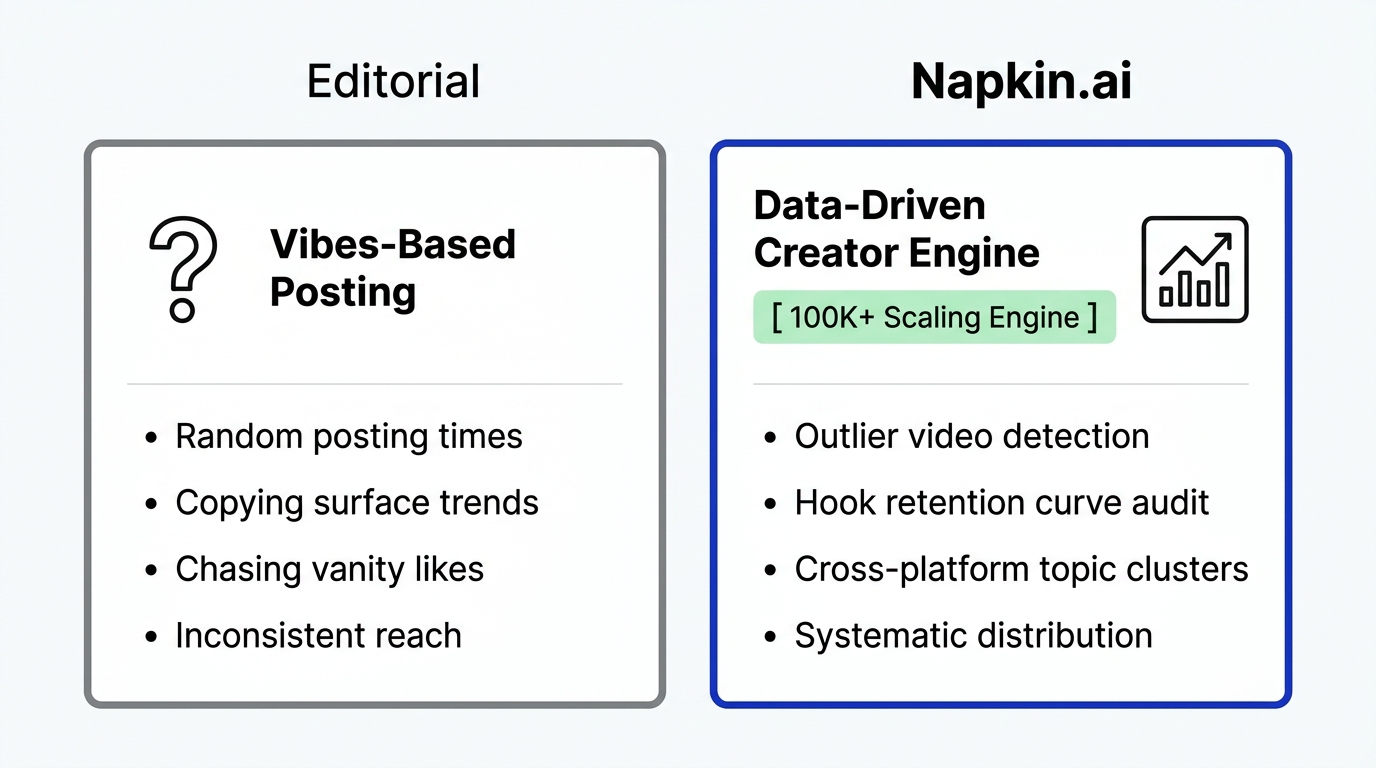
We wiped her content calendar clean. We opened the Free LinkedIn Viral Post Analyzer to inspect what top bootstrapped founders in her niche were actually publishing. We identified three high-performing text frameworks, introduced conversational storytelling, and optimized her opening lines for mobile dwell time.
Within five months, Sarah passed 42,000 followers, generated over 3.8 million organic impressions, and closed fourteen enterprise contracts directly from inbound direct messages.
LinkedIn is the highest-value organic B2B platform on the planet. Here is the exact operational playbook to decode the algorithm and build a compounding personal brand.
How the LinkedIn Feed Algorithm Measures Content Value
LinkedIn evaluates post distribution through an automated four-stage quality gate focused heavily on content consumption velocity and member dwell time.
The network is designed around professional value. When an engineer, executive, or founder stops scrolling on your post, the algorithm registers that pause as intellectual value and boosts the post into their 2nd and 3rd-degree network feeds.
[Publish Post] ──> Spam Filter Check ──> Initial Cohort (Dwell Time) ──> Network Ripple (2nd/3rd Degree)
                        │                         │                               │
                   (Bot/Link Scan)        ("See More" Click %)             (Comment Depth & Quality)
Here are the four core signals that drive LinkedIn distribution:
1. The "...see more" Expansion Rate
On mobile devices, LinkedIn truncates text posts after the first three lines (roughly 140 characters). When a reader taps "...see more", the algorithm registers an explicit vote of interest. Posts with high expansion rates receive a 3x wider distribution test pool.
2. Dwell Time Measurement
LinkedIn calculates the exact milliseconds a user hovers over your post in their feed. Document carousels (PDF slides) perform exceptionally well because viewers take 40 to 60 seconds to swipe through twelve tactical slides, signaling massive dwell time to the platform.
3. First-Hour Comment Depth
The first sixty minutes determine how far your post travels outside your immediate connections. One thoughtful, three-sentence comment from an industry peer carries more algorithmic weight than thirty quick thumbs-up reactions.
4. Link Penalty Protection
Dropping external URLs directly into your initial post copy often reduces reach by 40% to 60%. LinkedIn wants to keep users browsing inside its walls. Share your primary insight directly in the post text, then place secondary links in the comments or edit the link in after your post begins gaining organic traction.
| Format Type | Average Dwell Time | Viral Reach Multiplier | Best Use Case |
|---|---|---|---|
| Document Carousel (PDF) | 45–75 seconds | $3.5\times - 6.0\times$ | Step-by-step guides, framework teardowns, checklists |
| Short Text + Single Photo | 15–25 seconds | $1.8\times - 2.8\times$ | Personal founder stories, office culture, before/after |
| Long-Form Text Only | 30–45 seconds | $2.2\times - 4.0\times$ | Tactical how-to breakdowns, contrarian industry takes |
| External Link in Post | 5–10 seconds | $0.4\times - 0.7\times$ | Low reach (avoid for primary organic distribution) |
Reverse-Engineering Winning Hooks: The 3-Line Framework
The opening three lines decide whether an executive keeps scrolling or spends two minutes reading your insights.
Never open a post with throat-clearing pleasantries. Use the Free LinkedIn Viral Post Analyzer to examine past viral hits from industry leaders. You will notice three recurring opening hook archetypes:
1. The Contrarian Reality Hook
Challenge an accepted industry dogma immediately:
- "Most B2B founders burn 80% of their ad budget on dead leads."
- "We stopped doing weekly team standups in January. Here is what happened."
2. The Specific Data Teardown
Lead with concrete numbers that create undeniable credibility:
- "I analyzed 412 cold outreach emails sent to our enterprise team."
- "Our bootstrapped SaaS grew from $0 to $42k MRR with zero ad spend."
3. The Vulnerable Failure Confession
Professionals are tired of endless victory laps. Sharing an honest mistake commands instant trust:
- "Last month, I made a $14,000 hiring mistake that almost cost us a client."
- "I spent four months building a feature nobody wanted. Here is the lesson."
How to Conduct Competitor Analysis on LinkedIn for Free
Studying what already works in your industry saves hundreds of hours of trial and error.
Instead of paying enterprise intelligence pricing, use Creator Insights Free Tools to evaluate your direct competitors:
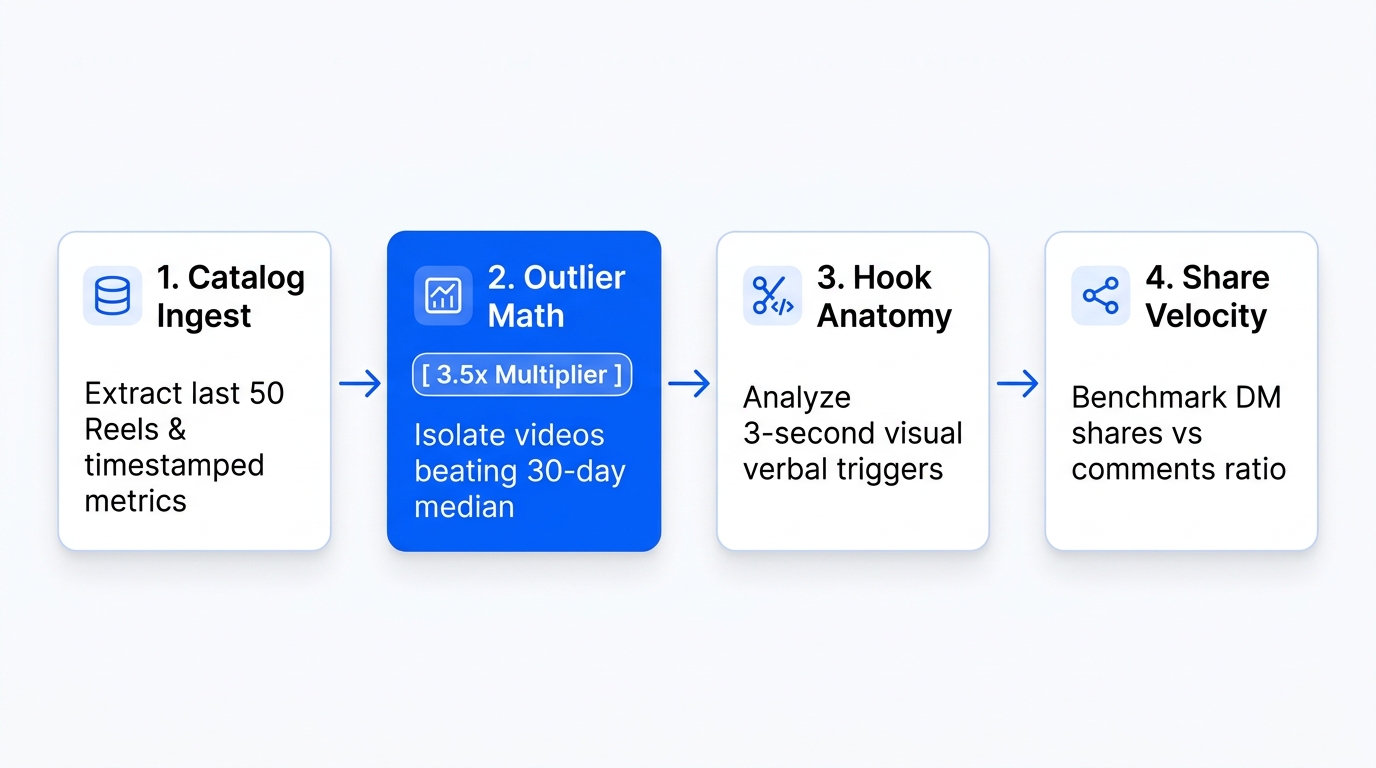
- Inspect Profile Analytics: Run the Free LinkedIn Viral Post Analyzer on five top creators in your target sector.
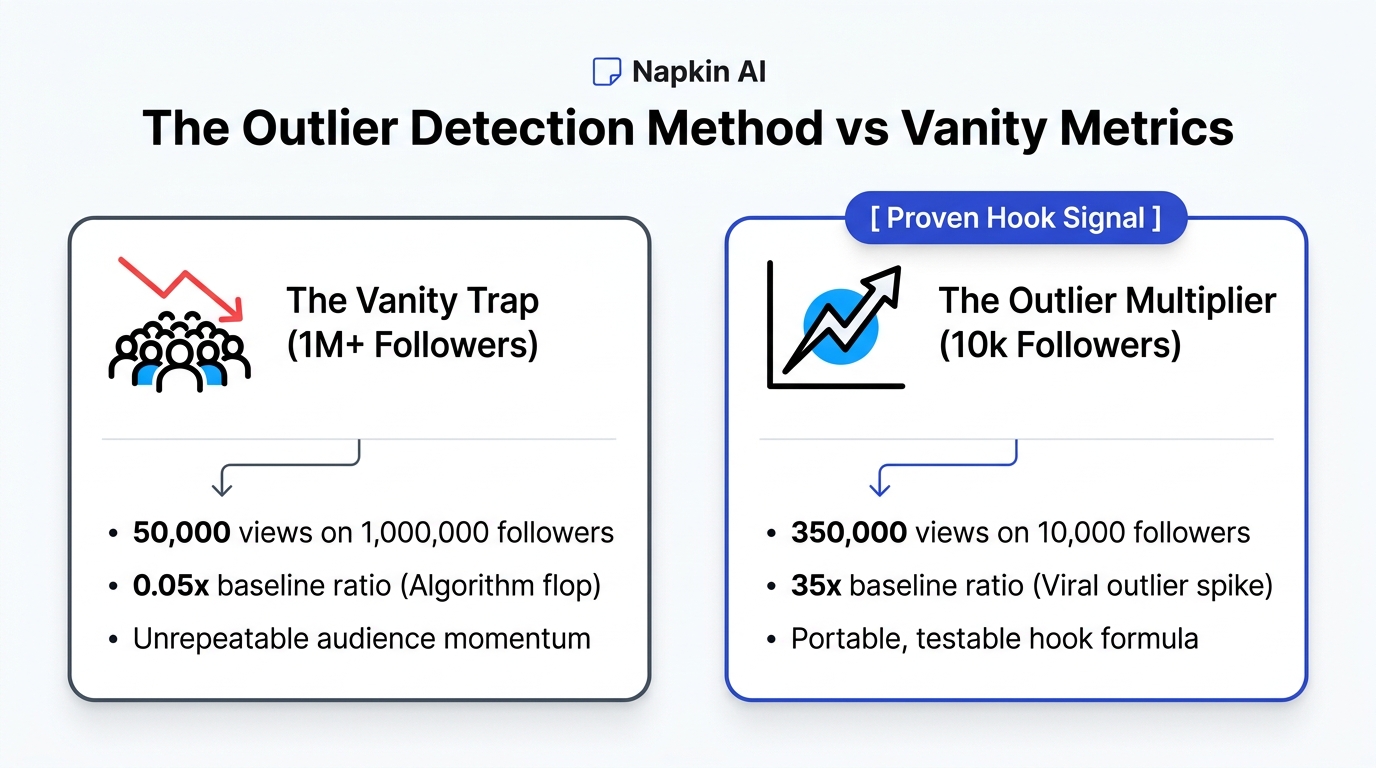
- Sort by Engagement Outliers: Identify their top 5% most engaged posts to find recurring topics and formats.
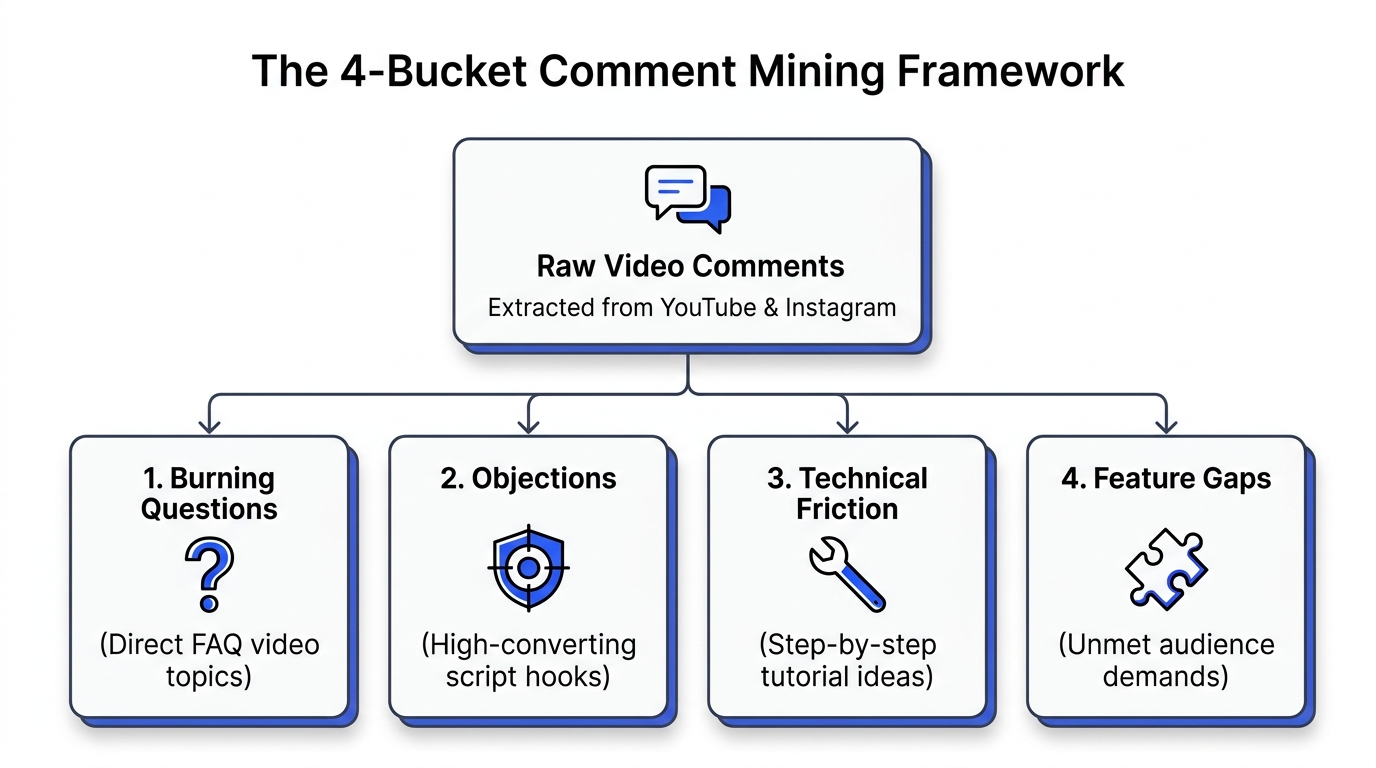
- Analyze Comment Sentiment: Use the Free Comment Analyzer to extract unanswered questions from your rivals' comment sections.
- Distribute Across Platforms: Once your writing is polished, use the Free Multi-Platform Auto Poster to publish across LinkedIn, X, and Threads in one action.
Explore the complete toolkit at dashboard.creatorinsights.in/freetools to upgrade your social publishing workflow.
Frequently Asked Questions
What is dwell time and why does it matter on LinkedIn?
Dwell time is the amount of time a user spends viewing, reading, or interacting with a post in their feed. The LinkedIn algorithm prioritizes posts that hold user attention longer, treating prolonged reading as a signal of high intellectual quality and distributing the content to broader second-degree professional networks.
Should I put external links in my LinkedIn post or in the comments?
Place external links in the first comment or edit them into your post 30 minutes after publishing. LinkedIn's algorithm reduces the organic reach of posts containing outbound URLs in the original copy by roughly 40% to keep members consuming content inside the platform.
How often should a founder or creator post on LinkedIn?
Posting 3 to 5 times per week during business hours yields optimal results. Publishing multiple times per day can harm your reach, as LinkedIn's feed algorithm often cannibalizes the distribution of your previous post when a new one is uploaded within 12 hours.
What is the best format for growing a LinkedIn audience in 2026?
Document carousels (multi-page PDF slides) and text-only breakdowns generate the highest combination of dwell time and follower conversion. Carousels encourage readers to swipe through tactical slides, which keeps them engaged on your post for up to a minute.
Can I analyze competitor LinkedIn posts without paying for enterprise tools?
Yes. You can use the Free LinkedIn Viral Post Analyzer from Creator Insights to evaluate engagement velocity, compare top-performing formats, and extract winning hooks across any public creator profile without an expensive subscription.