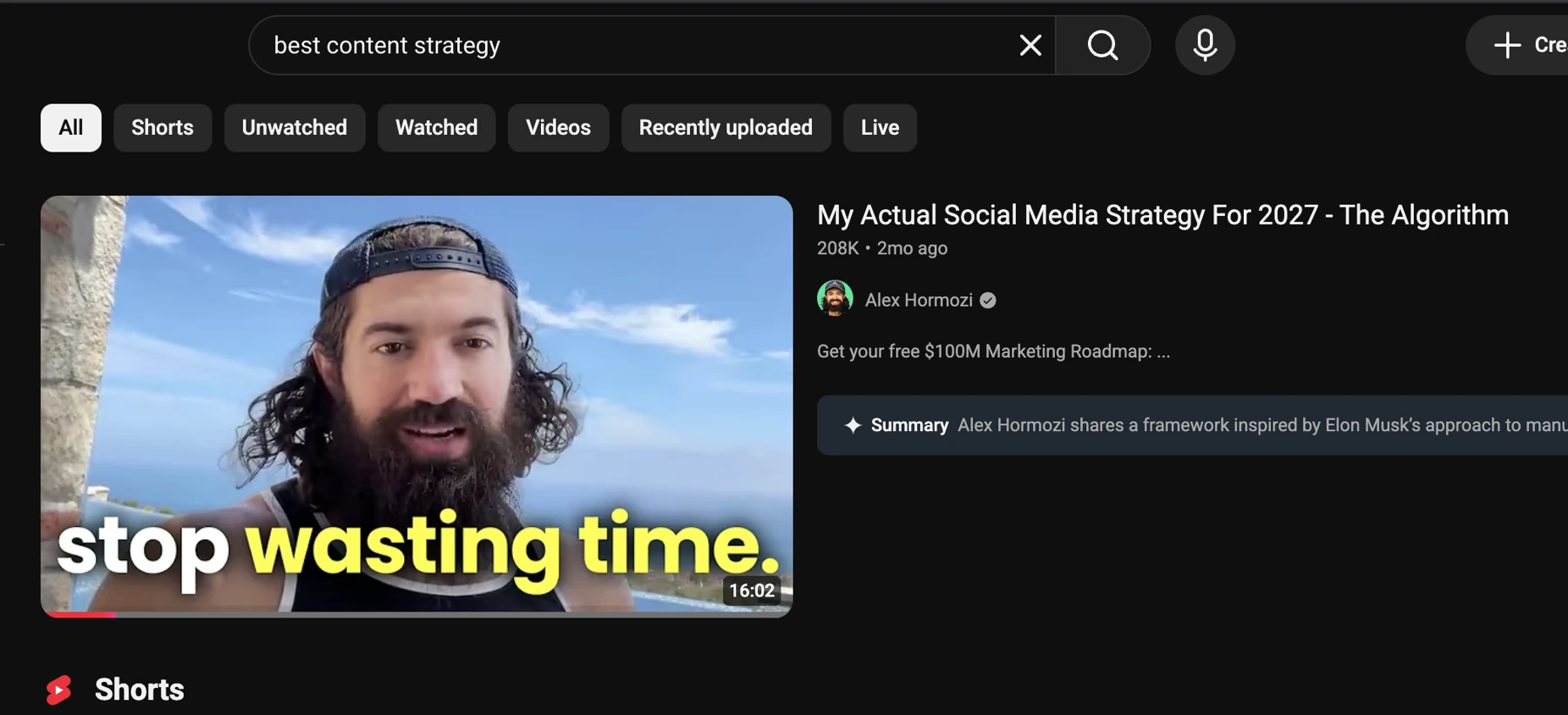
Turn YouTube, Instagram and TikTok searches into reports. Collect posts from supported creator profiles, organize your Instagram saves or gather audience comments. Keep the original links beside the collected content.
Make something from the examples you find
Recreate a thumbnail or image with your portrait and instructions. Send selected YouTube videos to NotebookLM, or bring useful sources into Creator Insights to develop an idea or script for your audience.
Move finished content into publishing
Prepare and review your content in the multi-platform composer. The extension runs supported browser publishing and engagement actions using your signed-in social sessions. Choose the account and destination before you publish.
You leave with
Sources you can study or use in your creation workflow.
An extension workflow
See video discovery in your browser.
FAQs
Frequently asked questions.
What does the Chrome extension do?
Analyze supported profiles and searches, collect comments, recreate visuals and use browser publishing through the Creator Insights extension.
Is the Chrome extension a separate product?
The extension is how supported Creator Insights browser tools run. It connects profile and search collection, comment research, visual recreation and browser publishing to your workspace.
Where can I install the extension?
Use the Chrome Web Store link in the walkthrough. After installation, sign in to Creator Insights and open the supported social page to see the available actions.
Which platforms does this tool support?
YouTube, Instagram, TikTok, LinkedIn, X, Threads, Substack. Use the specific workflow for the source and platform you want to work with.
What do I need to start?
A supported social page with the extension enabled.
Do I need the Chrome extension?
Yes. Install the free Creator Insights extension, sign in and open the supported social page. Keep the tab available while the browser tool collects or processes the visible content.
What will I get at the end?
Sources you can study or use in your creation workflow.
Can I schedule a draft from the AI sidebar?
Use Schedule on a supported AI draft to open the composer. A text post can move into review directly; a video script still needs the finished video before you publish a video post.
How long is the paid product’s free trial?
The paid product has a three-day free trial. Check the selected plan and billing details before starting; free tools have their own collection and posting allowances.
The browser extension needs access to supported pages. Actions depend on the page, session and available data.