
Start with a visual you want to adapt
Use a supported YouTube thumbnail or Instagram image as the reference. Add your portrait or brand logo and describe the text, layout or style you want changed.
Choose a thumbnail, carousel slide or photo. Add your own image and instructions, then send the prepared prompt to your chosen image tool.
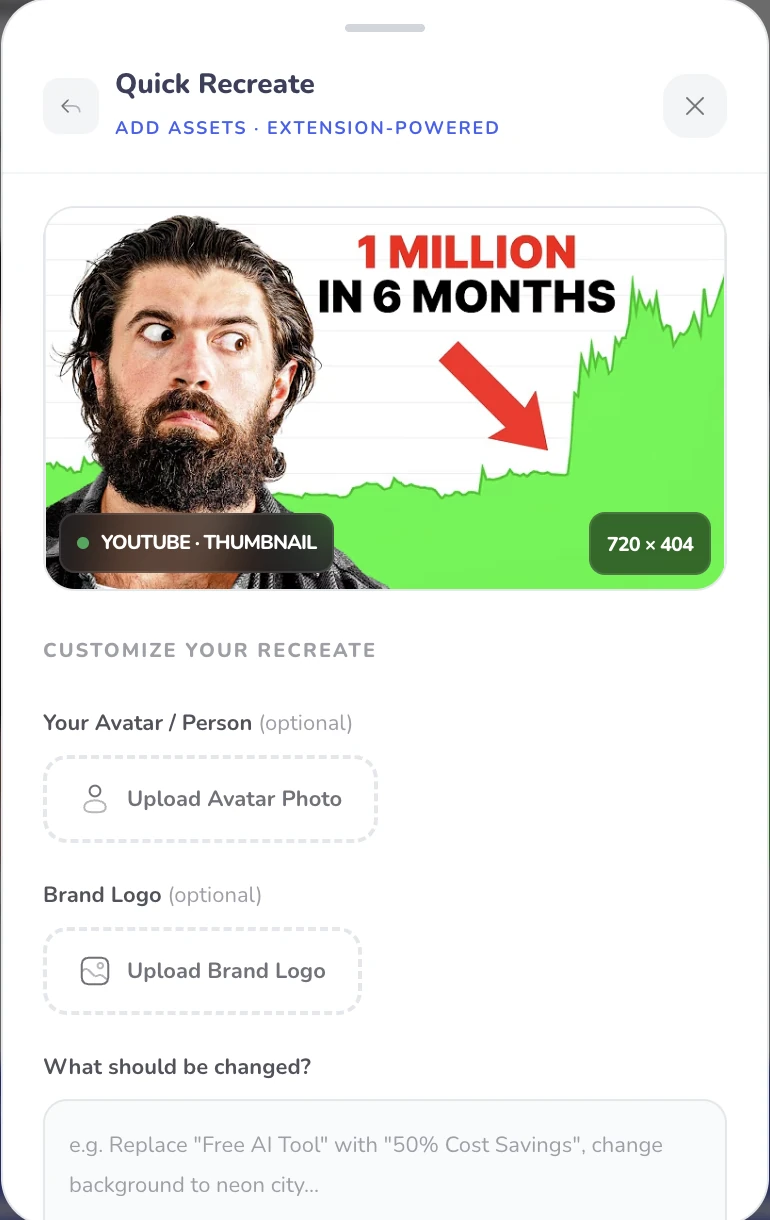
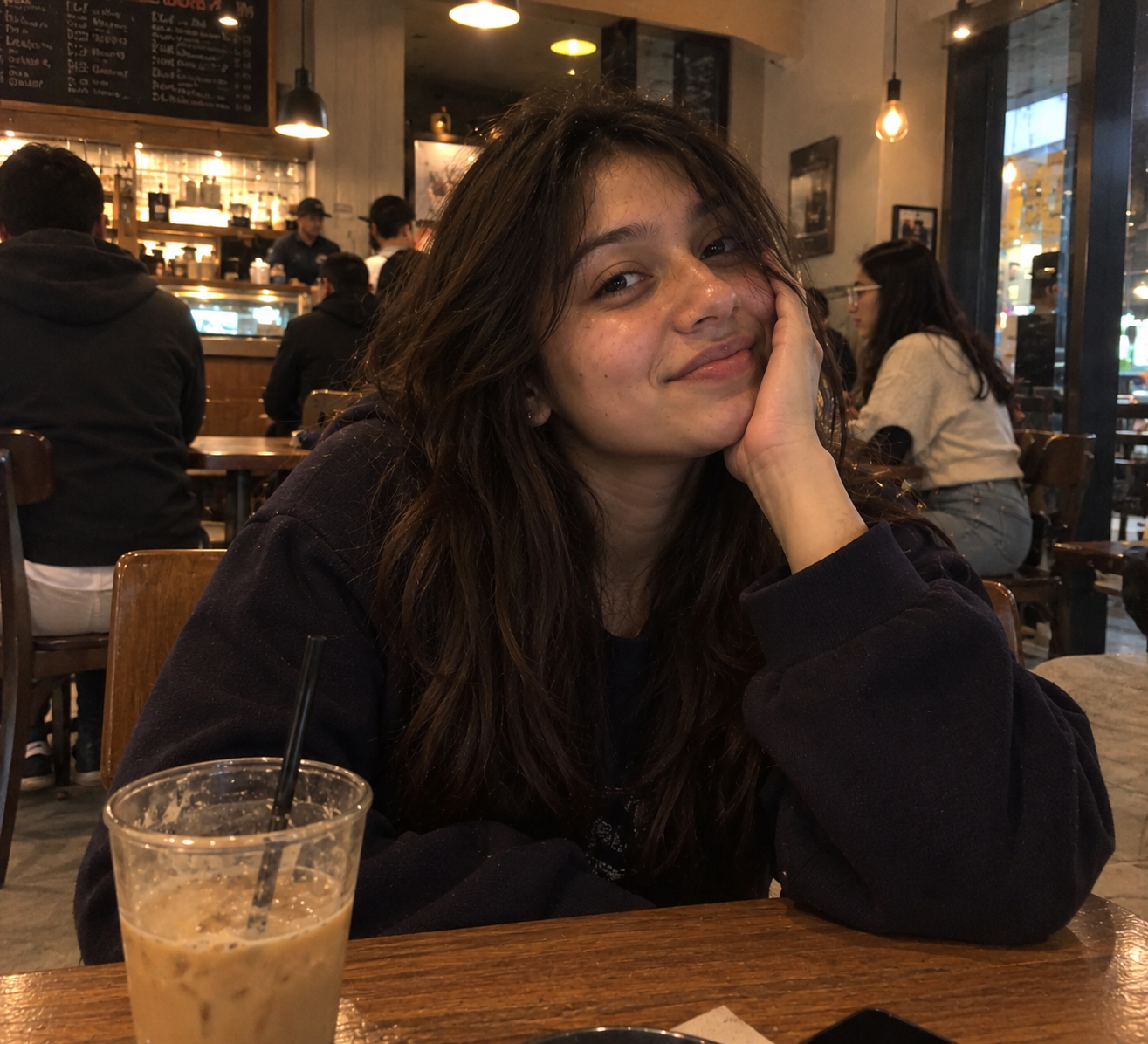
Use my portrait. Change the text to “1 million followers in 6 months”.
A prompt for your selected image tool, followed by a design you can review and refine.
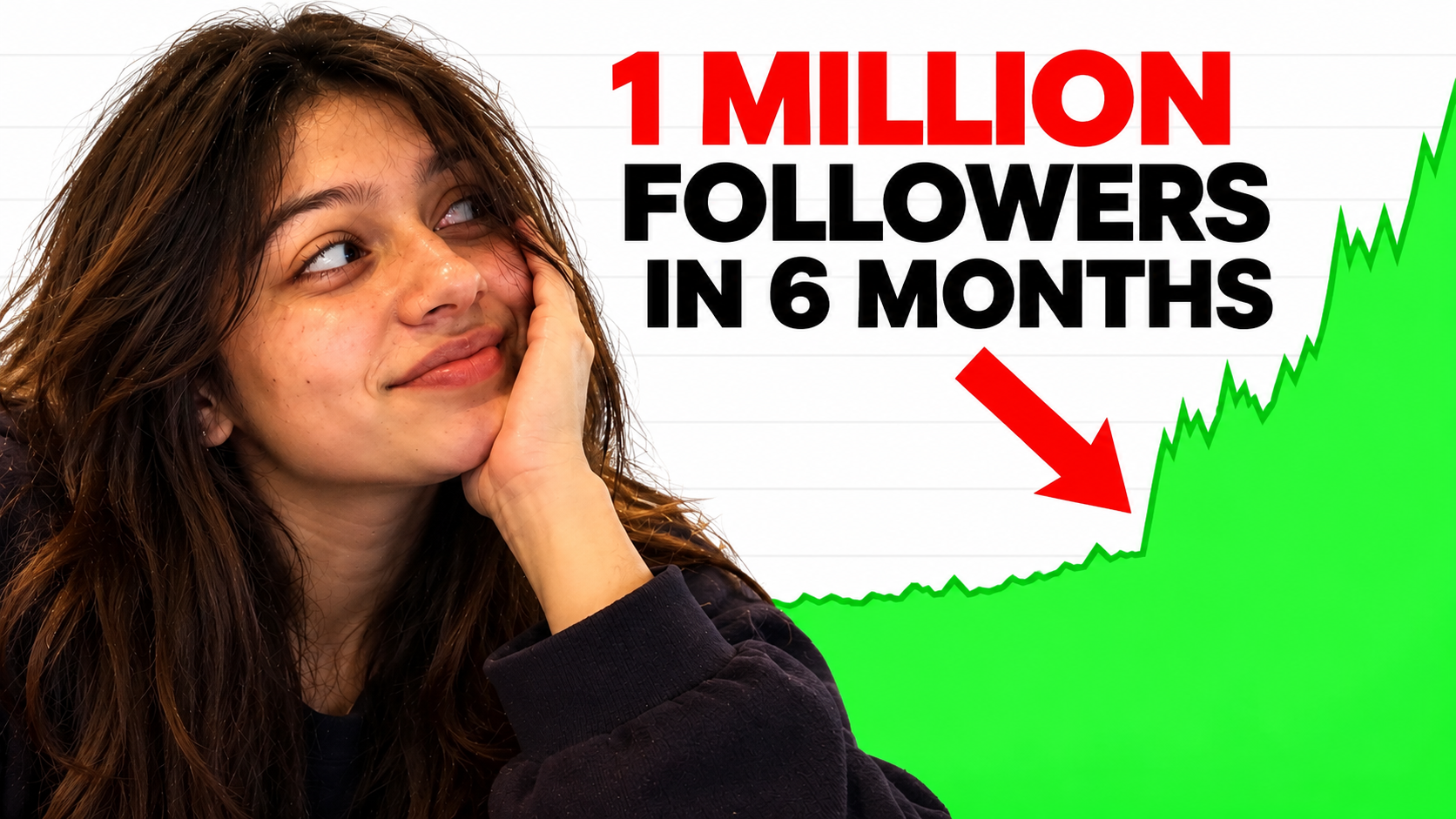



Use a supported YouTube thumbnail or Instagram image as the reference. Add your portrait or brand logo and describe the text, layout or style you want changed.
Choose a creative variation or a closer recreation. Send the prepared brief and assets to a supported tool such as Gemini, Claude or ChatGPT, then review the generated image.
A prompt for your selected image tool, followed by a design you can review and refine.
Choose a thumbnail, carousel slide or photo. Add your own image and instructions, then send the prepared prompt to your chosen image tool.
Yes. Add your portrait and, where needed, a brand logo alongside the reference. Describe the changes you want in the recreation instructions.
The extension prepares your reference, assets and instructions for a supported image tool such as Gemini, Claude or ChatGPT. Review the output in the selected tool; its own account and usage limits apply.
The workflow also supports suitable Instagram photos and carousel slides. Choose the reference image and describe the changes you want for your own content.
YouTube, Instagram. Use the specific workflow for the source and platform you want to work with.
A supported image reference and your own assets or instructions.
Yes. Install the free Creator Insights extension, sign in and open the supported social page. Keep the tab available while the browser tool collects or processes the visible content.
A prompt for your selected image tool, followed by a design you can review and refine.
The paid product has a three-day free trial. Check the selected plan and billing details before starting; free tools have their own collection and posting allowances.
Image generation happens in the AI service you choose. Its login, availability and usage limits apply.