
See the posts behind the performance
Review the creator’s content, engagement over time, content pillars and format breakdowns where available. Open the individual posts to understand the subject and presentation behind a result.
Audit Instagram, YouTube and TikTok in the dashboard. Use the free profile tools for LinkedIn, X, Threads and Substack.
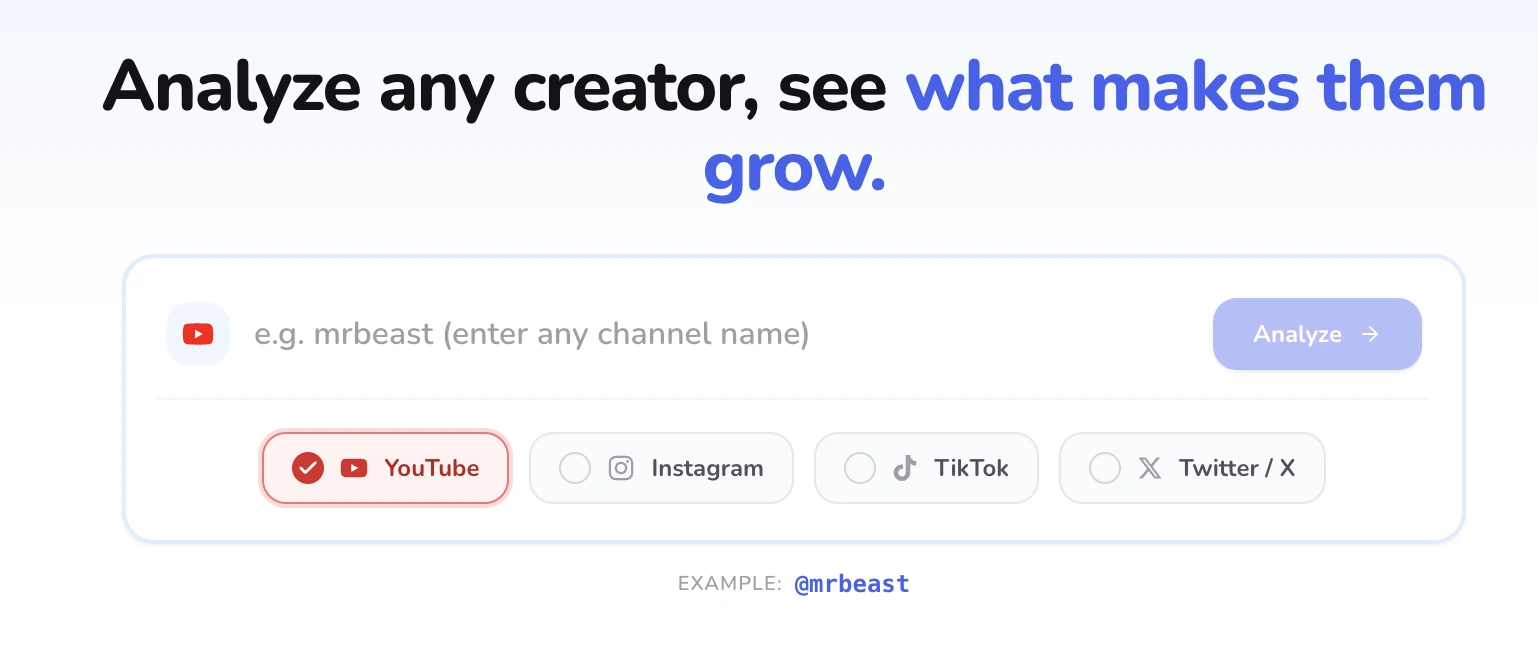
Explore MrBeast’s real report. See the content behind the numbers, then open the full report to investigate.
Scroll, filter and explore the report below.
Compare the creator’s content and available engagement in one report.
Open the original posts to understand the hook, format and conversation.
Use selected examples as AI sources, develop your own draft and review it in the composer.



Review the creator’s content, engagement over time, content pillars and format breakdowns where available. Open the individual posts to understand the subject and presentation behind a result.
Use the AI agent beside the report to ask for content ideas. Your workspace context helps shape the result: ideas and a script for video, or an editable post for a text platform.
Open Schedule on a supported AI draft to send it to the composer. Review the destination and content there; add finished media before scheduling a video or image post.
A creator report with posts, available engagement, content patterns and sources for your own ideas.
Audit Instagram, YouTube and TikTok in the dashboard. Use the free profile tools for LinkedIn, X, Threads and Substack.
The dashboard creator audit supports Instagram, YouTube and TikTok. Separate free browser tools support LinkedIn, X, Threads and Substack profiles.
Depending on the platform and available data, the report includes content examples, engagement over time, content pillars and format breakdowns. Open individual posts to inspect the source behind a chart.
The AI agent beside the report can use the collected examples and your workspace context. Request video ideas and a script for a video platform, or an editable text post for a destination such as LinkedIn.
Instagram, YouTube, TikTok, LinkedIn, X, Threads, Substack. Use the specific workflow for the source and platform you want to work with.
An Instagram, YouTube or TikTok creator profile, or one of the supported browser profile tools.
A creator report with posts, available engagement, content patterns and sources for your own ideas.
Use Schedule on a supported AI draft to open the composer. A text post can move into review directly; a video script still needs the finished video before you publish a video post.
Yes. Click the preview or Open full report to explore the real YouTube report in a new tab. The example shown is MrBeast.
The paid product has a three-day free trial. Check the selected plan and billing details before starting; free tools have their own collection and posting allowances.
Reports depend on available platform data. Engagement does not establish follower authenticity, audience demographics or future growth.