
Compare relevant videos together
Search a specific problem and collect the results through the extension. Review the available view counts, upload dates and channel context without keeping every result open in a separate tab.
Turn a YouTube search into a results view you can compare, explore and use for research.
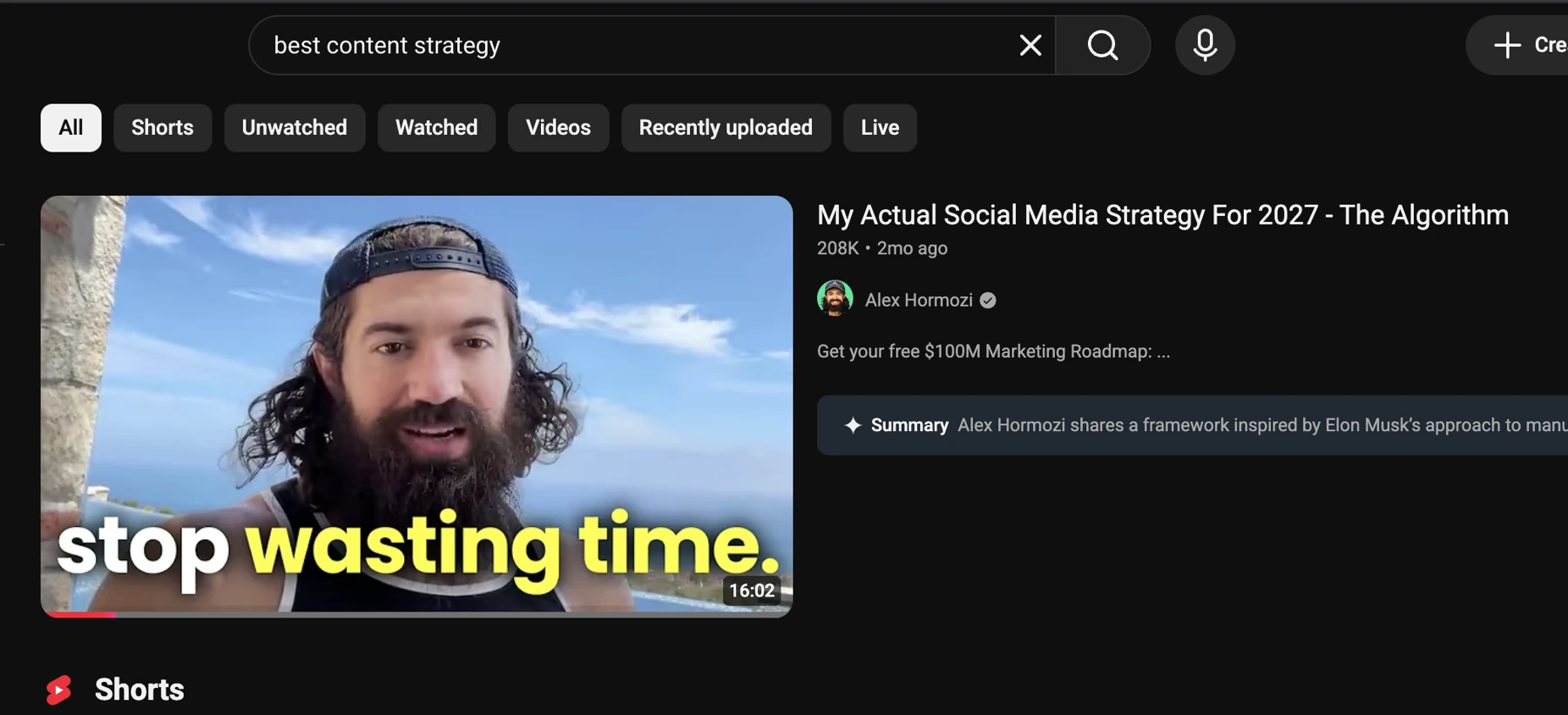
Explore the real YouTube example below: a search for “best content strategy”.
Scroll, filter and explore the report below.
Review available views and engagement beside the collected videos.
Open a video to see its hook, subject and delivery for yourself.
Add selected videos to AI and ask for ideas and a script for your audience.



Search a specific problem and collect the results through the extension. Review the available view counts, upload dates and channel context without keeping every result open in a separate tab.
Open promising examples and study what the title, thumbnail and opening promise. Add selected sources to AI and ask for a different angle suited to your own audience.
Video links, available views and dates organized for comparison.
Turn a YouTube search into a results view you can compare, explore and use for research.
Install the extension, open YouTube and search your topic. Use the Creator Insights Analyze Search action on the results page, then review the collected videos and available metrics in the report.
YouTube channel research and YouTube to NotebookLM are separate available workflows. Use the search analyzer for keyword results and the corresponding channel or NotebookLM tool when that is your task.
YouTube. Use the specific workflow for the source and platform you want to work with.
A YouTube search about your niche.
Yes. Install the free Creator Insights extension, sign in and open the supported social page. Keep the tab available while the browser tool collects or processes the visible content.
The free collection tools and charts use no scraping credits. AI analysis and writing are separate actions that follow your plan and model access.
Video links, available views and dates organized for comparison.
Use Schedule on a supported AI draft to open the composer. A text post can move into review directly; a video script still needs the finished video before you publish a video post.
Yes. Click the preview or Open full report to explore the real YouTube report in a new tab. The example shown is best content strategy.
The paid product has a three-day free trial. Check the selected plan and billing details before starting; free tools have their own collection and posting allowances.
Available metrics depend on the platform and collected content. An example can suggest a direction; it cannot guarantee the same results.