If you spend your days jumping between apps, manually downloading videos, copy-pasting captions, and trying to remember when to publish your latest Reel, you already know how exhausting content creation can be. Managing social media manually eats up hours that you could otherwise spend actually building your brand, filming better videos, or connecting with your audience.
That is where instagram automation comes into play. Instagram automation saves you hours every single week. But if you have spent any time in creator forums, you have probably heard horror stories about accounts getting restricted or shadowbanned for using automated tools. The good news? When you set things up correctly using official channels, automation is completely safe, reliable, and essential for scaling your reach.
In this guide, we will walk through how to set up safe Instagram automation, what you can automate, and how you can take your content workflow to the next level across multiple platforms without breaking a sweat.
The Safe Way: Why Official APIs Matter
When creators hear the word "automation," they often picture sketchy third-party bots that auto-follow thousands of random profiles, leave generic comments like "nice pic!" on strangers' photos, or scrape data in ways that violate terms of service.
Instagram’s security algorithms are notoriously strict, and those aggressive tactics are a fast track to getting your account flagged or restricted.
However, there is a massive difference between spam bots and official API integrations. Modern tools like Creator Insights connect directly to Meta's official developer infrastructure. When you use an approved instagram auto poster that relies on official APIs, Instagram recognizes the scheduled post as a legitimate action coming from your professional or creator profile.
This means your account stays safe, your organic reach remains untouched, and your content publishes right on schedule without you needing to tap your phone screen at midnight.
What You Can Automate on Instagram
A smooth workflow starts with knowing what tasks are safe and practical to hand over to software. Instead of trying to automate fake engagement, focus your automation efforts on content publishing, scheduling, and community management.
Here are the core elements you can put on autopilot:
1. Reels, Carousels, and Feed Posts
Planning your visual content calendar ahead of time is a breakthrough. Instead of scrambling to edit and post in real-time, you can batch your content creation, load your videos and images into a visual planner, and let the system publish them at peak engagement hours.
2. Stories
Consistency is vital for Stories because they keep your profile active at the top of your followers' feeds. You can queue up daily Story sequences, behind-the-scenes clips, and announcements so your audience always hears from you.
3. Comment-to-DM Funnels
One of the most effective conversion tactics for creators and brands is the keyword trigger. When someone comments a specific word (like "GUIDE" or "LINK") on your post or Reel, an automated workflow instantly sends them a direct message with your lead magnet, product link, or free resource. It turns passive viewers into engaged leads while you sleep.
Beyond Instagram: Cross-Posting to 14+ Platforms
Publishing to Instagram is only half the battle. If you want to grow a sustainable audience, you cannot afford to keep your content trapped on a single app. Your target viewers are scrolling through TikTok, YouTube Shorts, LinkedIn, and Facebook all at the same time.

This is where multi-platform distribution changes the game. When you use a comprehensive creator platform, you don't have to spend hours re-uploading the exact same video file across a dozen different dashboards.
The YouTube Shorts Bonus
Imagine you just finished editing a high-performing Reel. When you upload and schedule it through Creator Insights, you can trigger an automatic cross-post to YouTube Shorts, TikTok, and other networks simultaneously.
Instead of treating each platform as a separate chore, you upload once and let the distribution engine handle the formatting, tagging, and publishing across your entire social media ecosystem. You can explore how our product discovery and distribution tools make this smooth.
Tracking Performance Without the Spreadsheet Chaos
Automation isn't just about posting: it's also about understanding what works. If you are manually pulling analytics into a messy spreadsheet every Friday afternoon, you are wasting valuable time.
Modern creator tools automatically track your reach, engagement rates, and follower growth trends across all connected channels.

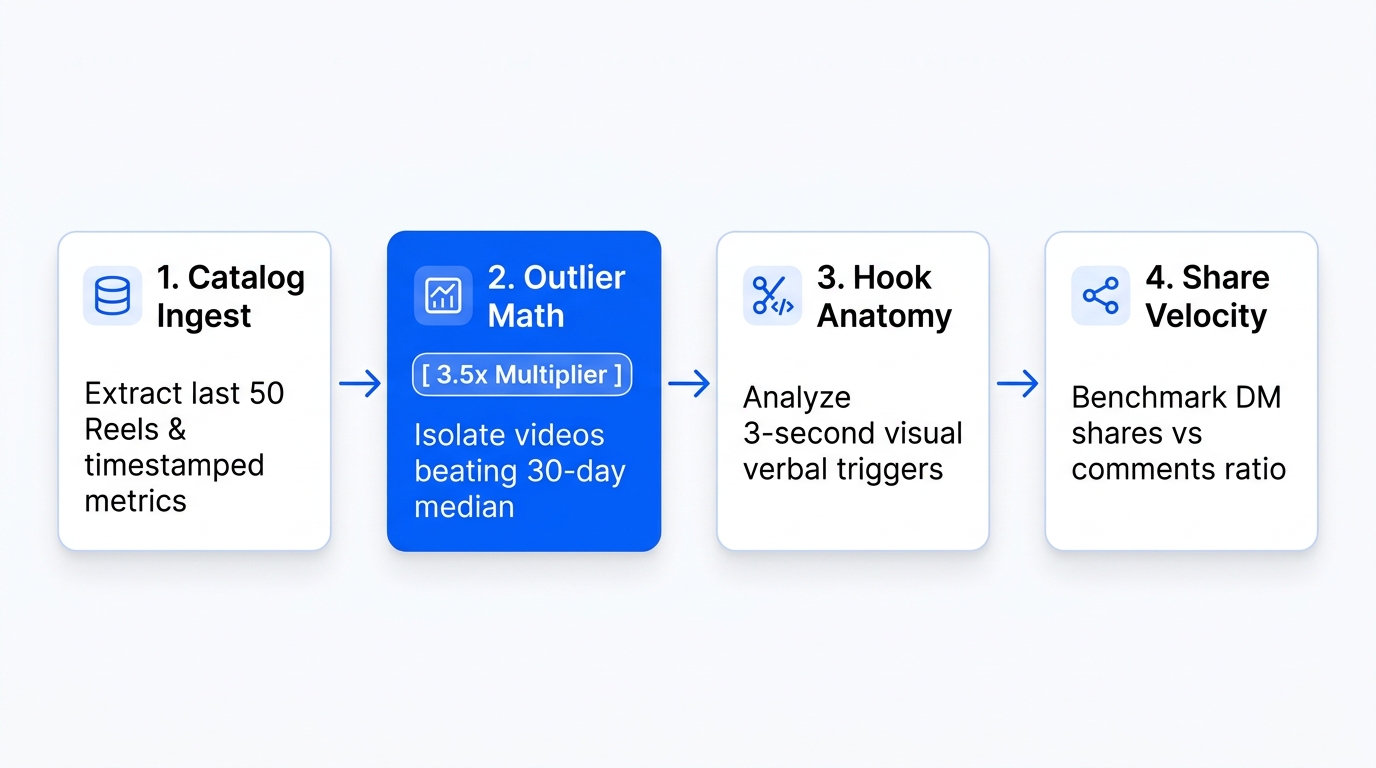
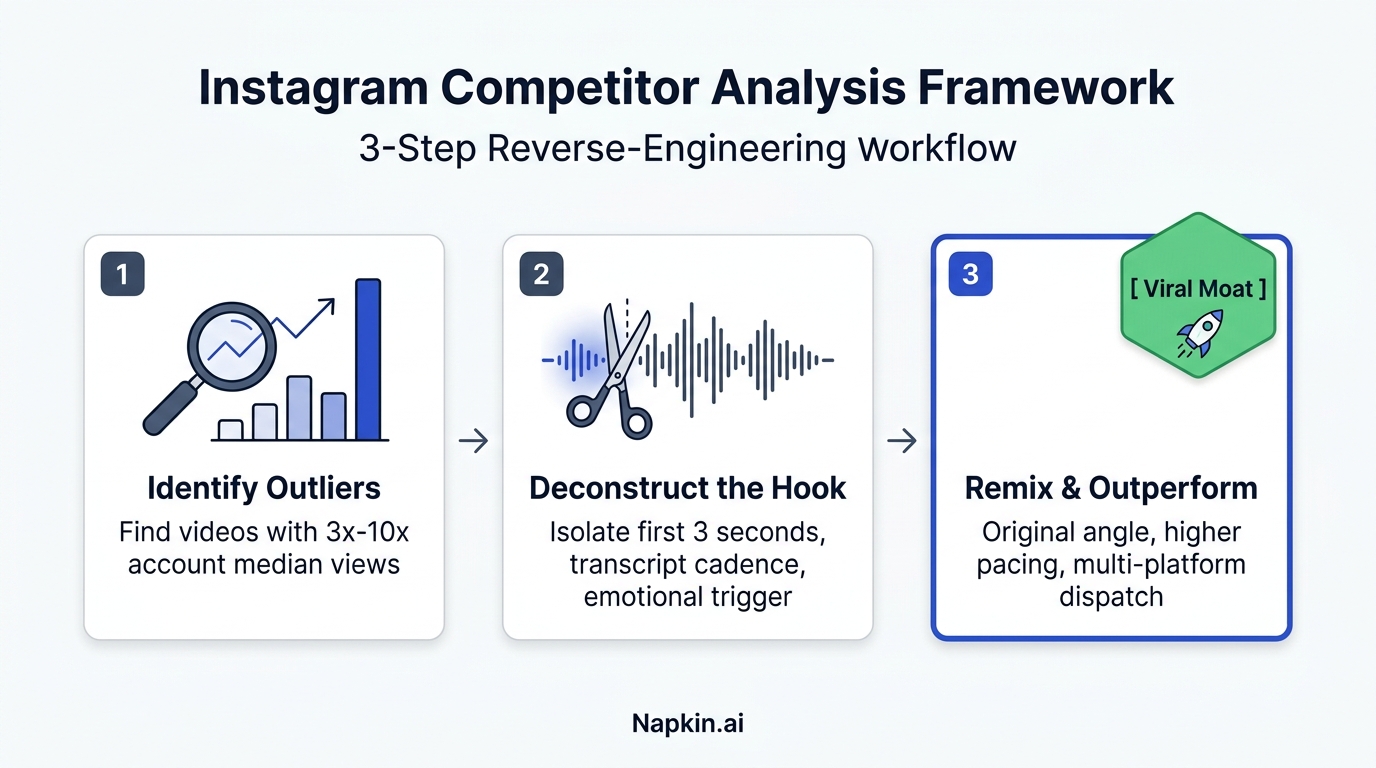
By monitoring performance through a centralized dashboard, you can quickly spot which topics resonate with your audience. Also, advanced features like outlier detection help you identify sudden viral spikes in your niche, allowing you to double down on winning content formats before the trend fades. You can check out our trends tool to see how this works in practice.
Get Started with Instagram Automation Today
Setting up your content workflow doesn't have to be complicated or risky. By relying on official API integrations, batching your content calendar, and utilizing smart multi-platform distribution, you can reclaim hours of your week while expanding your digital footprint.
Whether you are an individual creator looking to scale your personal brand, an agency managing multiple client profiles, or a marketing team trying to drive qualified leads, having the right system in place makes all the difference.
Ready to stop wasting time on manual uploads and start growing your reach? Head over to Creator Insights to explore our tools, check out our creator audits, and start your journey toward smarter content distribution today.