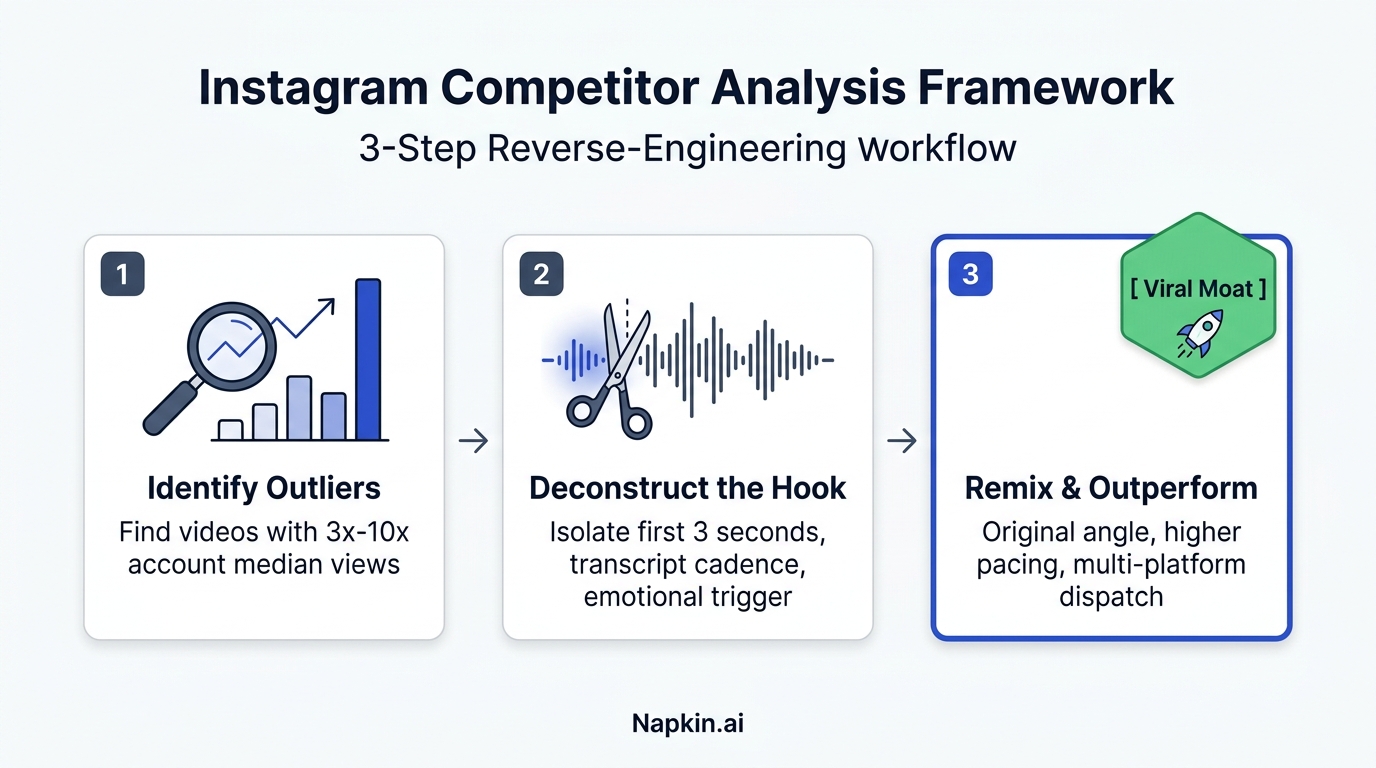
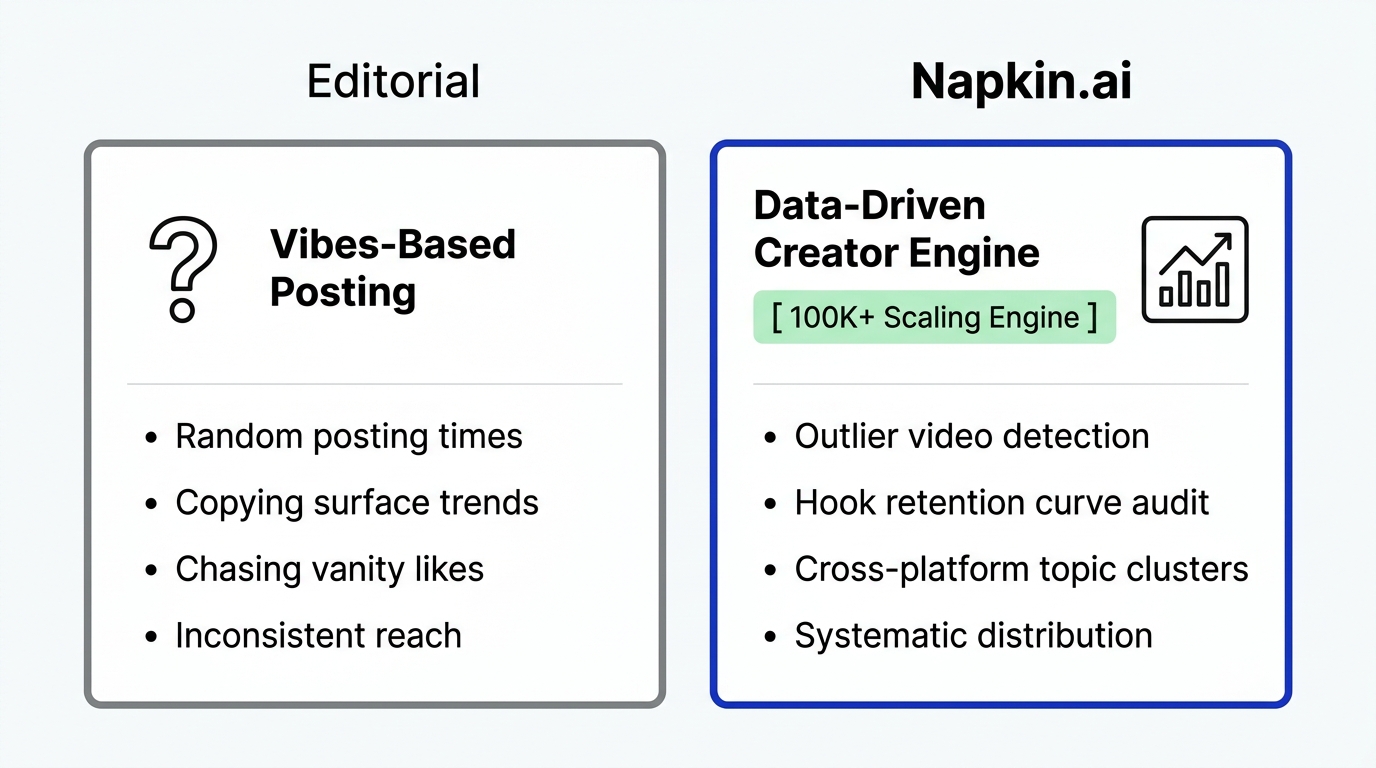
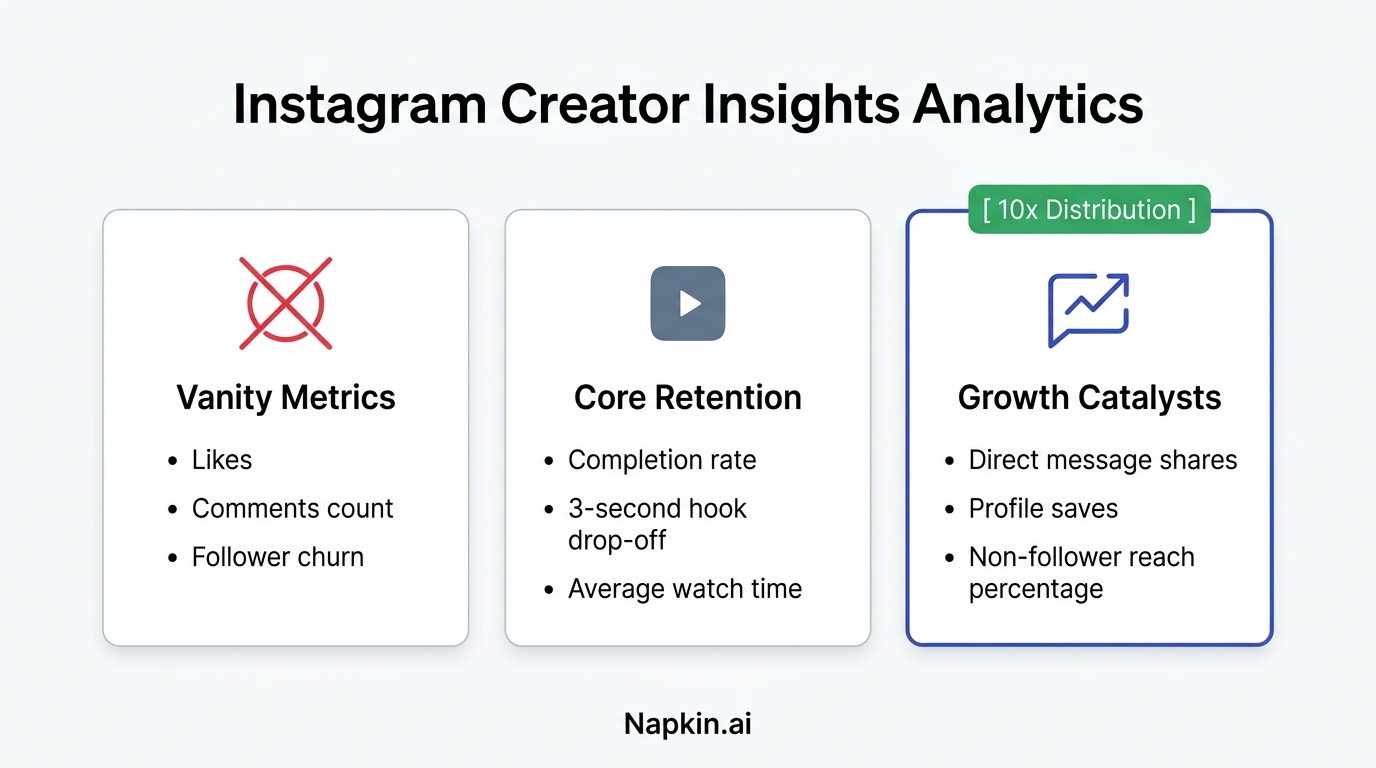
We have all been there. You just finished editing a killer video. You are proud of it. Now comes the part everyone hates. You open a tab for Instagram. Then a tab for TikTok. Then YouTube. Then LinkedIn. Then X. Then Threads. By the time you are on your fourth platform, you have forgotten which caption version goes where. You are hitting copy and paste so many times your fingers hurt. Your coffee is cold. This is what we call tab fever.
Tab fever is the silent killer of consistency. It makes posting feel like a chore instead of a win. If you are a creator or a brand, you know that being on every platform is the only way to grow fast. But doing it manually is a nightmare. You end up skipping platforms. You post to Instagram and tell yourself you will do the others later. But later never comes.
The good news is that you do not have to live like this. You can use a social media scheduler to handle the heavy lifting. In this guide, we will show you exactly how to post to all social media at once without losing your mind.
The Problem With Manual Posting
The biggest issue with manual posting is not just the time. It is the mental drain. Every platform has different rules. Different aspect ratios. Different caption limits. When you do it manually, you are prone to making mistakes. You might forget to add the link on LinkedIn or use the wrong hashtags on TikTok.
Plus, you are limited by your own schedule. If your audience is active at 2 AM while you are asleep, you miss out. Using a social media scheduling app solves this by letting you plan when you are focused and execute when your audience is awake.
![[NAPKIN] One post to many platforms](https://cdn.marblism.com/B5IGZ9OxEQ3.webp)
Step 1 Plan Your Content on the Creator Canvas
Most people start by staring at an empty upload box. That is a mistake. The best way to manage multiple platforms is to see them all at once. This is why we built the Creator Canvas. Think of it as a giant digital whiteboard for your brain.
Instead of looking at a boring list of files, you can see your content strategy visually. You can map out which videos are going to be main posts and which ones are being repurposed. You can see the flow of your content across the week. Planning visually helps you spot gaps. Maybe you realized you have too much educational content and not enough behind the scenes stuff. The Canvas lets you move things around until the balance feels right.
![[NAPKIN] Creator Canvas visual whiteboard sketch](https://cdn.marblism.com/odR7h-PMln2.webp)
You can check out how the Creator Canvas works to see how it replaces the messy spreadsheets most creators use.
Step 2 Upload Once and Choose Your Platforms
Once your plan is ready, it is time to upload. In a traditional social media poster, you might have to upload the same file five times for five different platforms. With Creator Insights, you upload it once.
After the upload is done, you simply check the boxes for the platforms you want to target. Whether it is Instagram, TikTok, LinkedIn, or even Reddit, you select them all in one go. The tool handles the background work of making sure the file is ready for each destination.
Step 3 How It Works for API Friendly Platforms
Some platforms are very friendly to software. They have what we call an API which stands for Application Programming Interface. Essentially, it is a digital doorway that allows our social media scheduler to talk directly to their servers.
Platforms like Instagram, YouTube, Facebook, and LinkedIn allow this. For these networks, the process is fully automated. You hit schedule, and at the exact second you chose, our servers send the post through that doorway. You do not even need to have your computer turned on. It is a set it and forget it situation.
Step 4 Handling API Blocked Platforms via Browser Extension
This is where most tools fail. Some platforms like TikTok, X, Threads, and Reddit often block or limit public APIs. They want you to use their app manually. This is why many tools cannot post to them or they charge you a fortune for a buggy connection.
We solved this with our browser extension. Here is how it works. When it is time for a post to go live on a blocked platform, the extension handles the interaction. It essentially acts as a bridge. It uses your browser to complete the post just like a human would, but at lightning speed. This allows you to post to 14 plus platforms including the ones that other tools ignore.
![[NAPKIN] API vs Browser Extension flowchart](https://cdn.marblism.com/DmP_1lGOfq0.webp)
Step 5 Schedule and Let It Run
The final step is picking your time. Do not just guess. You should be looking at when your specific audience is most active. You can use our trends tool to see what is working in your niche right now and align your posting times with those viral peaks.
Once you hit that schedule button, you are done. Your content is now queued up to hit every corner of the internet while you go back to creating or, better yet, taking a nap.
The Napkin Math How Much Time Are You Actually Saving
Let us do some quick math on the back of a napkin.
If you spend 15 minutes per post per platform (writing the caption, choosing the thumbnail, adding tags, and uploading), and you want to be on 14 platforms, that is 210 minutes. That is 3.5 hours for a single piece of content.
If you post 3 times a week, you are spending over 10 hours a week just clicking buttons.
With a proper multi platform workflow, that 15 minutes covers all 14 platforms. You save over 3 hours per post. Over a month, that is nearly 40 hours of your life back. That is a full work week of time you can spend on better things.
![[NAPKIN] Time saved chart](https://cdn.marblism.com/Hq3eaKldRRy.webp)
Why Multi Platform Posting is the Ultimate Growth Hack
Some people worry that posting the same thing everywhere will annoy their followers. The truth is that most of your followers on Instagram are not following you on LinkedIn. And the people who see you on TikTok might never open YouTube Shorts.
By using a social media scheduler to distribute your content everywhere, you are not repeating yourself. You are just meeting your audience where they already are. It is the fastest way to find those viral outliers that can change your career overnight.
If you are ready to stop losing views and start scaling your reach, you need a tool built for the modern creator. Whether you are an individual creator or an agency managing dozens of accounts, the goal is the same. Work smarter, not harder.
Ready to reclaim your time? Start your free trial today and see what it feels like to post to the whole internet with 1 click.