Stop calling it "research."
You know exactly what I’m talking about. You open Instagram, ostensibly to "see what's trending" or "study the competition." Three hours later, you’ve watched twenty recipe videos, a dog riding a skateboard, and zero content that actually helps your brand.
Doom-scrolling is not a strategy. It’s a trap.
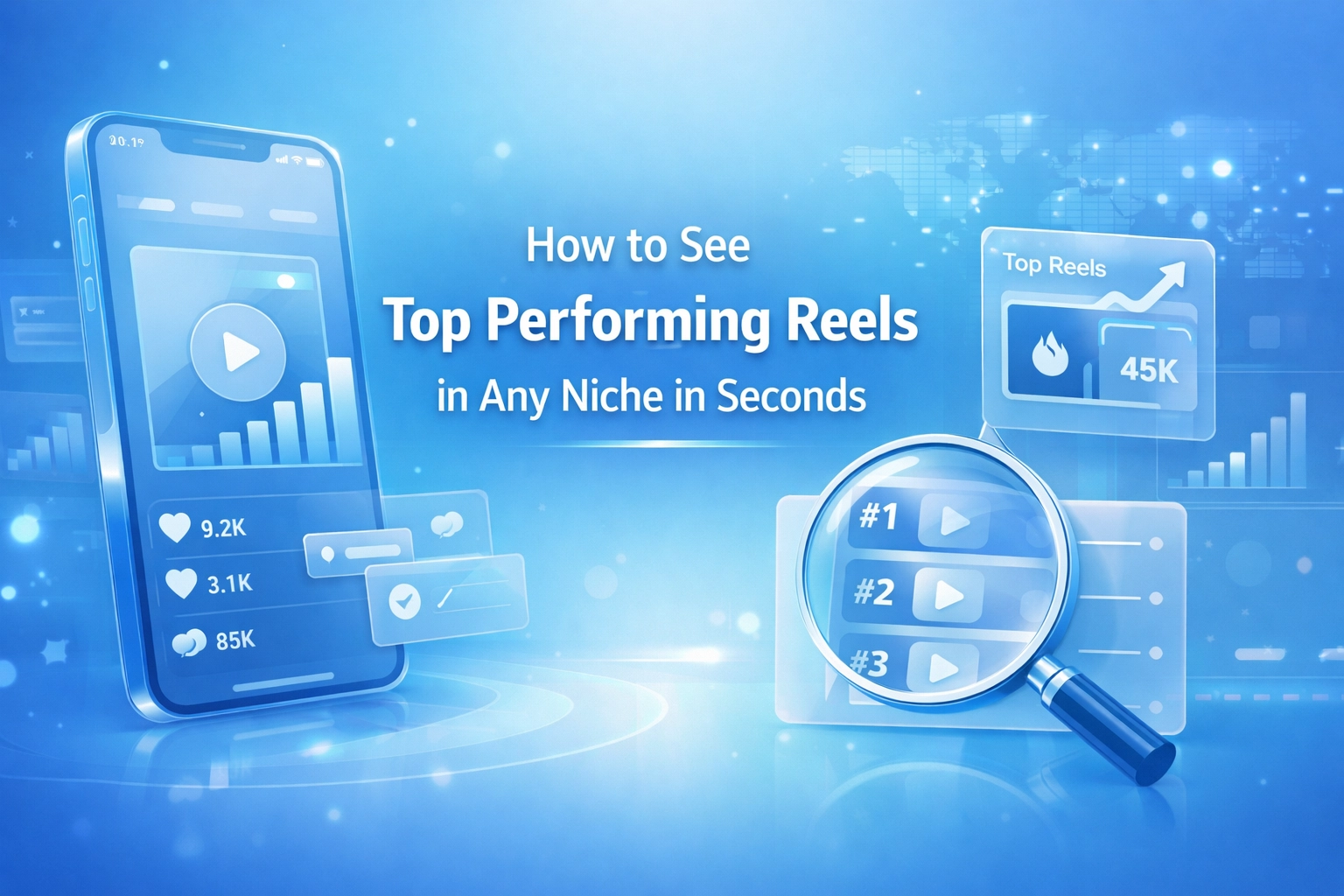
The algorithm is designed to keep you watching, not to help you analyze. If you want to grow, you need to see the data behind the glass. You need to see top performing reels in any niche without the distraction of the "For You" page.
The reality? Most creators are guessing. They see a trend, they copy it, and they wonder why it flopped. It flopped because they didn't see the reach-to-follower ratio. They didn't see if that creator's "viral" hit was a one-off fluke or a repeatable framework.
It's time to stop guessing.
The Algorithm Is Lying To You
When you scroll through Reels manually, you see what Instagram thinks you like. You don't see what actually works for a specific niche.
If you're in the fitness niche, your feed is likely a mess of your own interests and random viral hits. That’s useless for competitor analysis. You aren't seeing the top-performing content of your rivals; you’re seeing what’s popular right now in the general zeitgeist.
To win, you need a filter. You need to be able to look at a creator in your space, whether they have 10k or 10M followers, and instantly pull their top 10 most successful videos. Not the most recent ones. The ones that actually moved the needle.
 *Visual Description: A hand-drawn sketch of a funnel. At the top, a chaotic cloud labeled "Instagram Feed." At the bottom, a clean, organized list labeled "Viral Data." An arrow points from the cloud to the list through a filter labeled "Creator Insights."*
Niche Deep Dive: Finding Gold in the Noise
Different niches require different "viral triggers." If you don't know what those are, you're just throwing spaghetti at the wall.
The Fitness Niche: Beyond the Burpees
In fitness, "value" is king, but "aesthetic" is the gatekeeper. However, if you look at the top-performing reels for major fitness influencers, you'll often find a pattern. It’s rarely the perfectly lit gym montage that gets the most reach. It’s usually the "3 Mistakes You're Making with Your Squat" or the "What I Eat in a Day (Budget Version)."
By using a tool to see top performing reels in any niche, you can skip the fluff and see which specific movements or tips are getting shared. Shares are the currency of growth in fitness.
The Tech Niche: Hooks and Hacks
Tech creators often fall into the trap of over-production. But look at the top-performing content for a tech reviewer. Is it the $10,000 camera setup? Usually, no. It’s the "Unbelievable iPhone Hack" or the "Desk Setup Under $50."
When you analyze a tech creator’s top posts, you’re looking for the hook. Tech is all about solving a problem fast. If you can see their top 5 reels, you’ll see exactly which problems the audience actually cares about.
The Lifestyle Niche: Relatability vs. Aspiration
Lifestyle is the hardest to "guess." Sometimes it’s a high-production travel vlog; sometimes it’s a messy room reveal. If you aren't using data, you’re just chasing your tail. Top-performing lifestyle reels usually lean heavily into "Relatable Humor" or "Transformation." Seeing the data helps you decide whether to invest in a gimbal or just use your front-facing camera and a funny caption.
 *Visual Description: A side-by-side comparison sketch. On the left, a "recent post" with 2k views showing a sunset. On the right, a "Top Post" with 2M views showing a "How-to" tutorial. A text bubble says: "Data tells you what to build next."*
How to See Top Performing Reels in Any Niche with Creator Insights
We built this because we were tired of the manual grind. You shouldn't have to scroll for years to find a creator's best work.
Here is the exact workflow to find viral inspiration in seconds.
1. Search for a Creator
Pick a creator who is absolutely crushing it in your niche. Don't pick the biggest celebrity; pick the person whose growth is consistent and whose content style you can actually replicate.
2. Use the "Top Posts" Shortcut
This is where the magic happens. You have two ways to do this:
- The Chrome Extension: If you are on Instagram on your desktop, just hit the "Top Posts" button on our extension. It overlays right on the profile. No switching tabs. No friction.
- The Web Tool: Copy the username and paste it into our analyze tool.
3. Analyze the Winners
Instantly, the tool will sort their content. You’ll see their highest-reaching Reels at the top.
Stop. Look at them.
- What is the first sentence they say? (The Hook)
- What is the text overlay on the thumbnail?
- How long is the video?
- Is there a specific audio trend they used?
This isn't about copying. It's about understanding the mechanics of virality in your specific corner of the internet.
 *Visual Description: A rough mockup of a laptop screen showing a creator's Instagram profile. A prominent "Top Posts" button is highlighted in neon green. Below it, a grid of videos appears with "Engagement Rate" and "Reach" percentages displayed over each thumbnail.*
Why This Beats "Manual Research" Every Time
Manual research is biased. You are likely to find a "popular" reel and think, "I should do that." But you don't know if that reel actually performed well relative to that creator's size.
A reel with 1 million views might look impressive, but if the creator has 10 million followers, it actually underperformed. On the flip side, a creator with 5,000 followers hitting 100,000 views is a goldmine. That is a "high-reach" post that indicates a viral format.
Using the Audit Tool allows you to see the "Reach vs. Followers" metric. This is the only metric that matters if you want to go viral. You want to find content that punched way above its weight class.
Reverse Engineering Virality
Once you’ve used the tool to see top performing reels in any niche, your job is to reverse engineer.
Don't just watch the video. Dissect it.
- The Visual Hook: Does the video start with a fast movement? A text bubble? A weird facial expression?
- The Pacing: Are the cuts every 1.5 seconds, or is it one long take?
- The Value Drop: When does the "point" of the video happen? Is it at the end (for retention) or the beginning (for clarity)?
- The Call to Action: How do they tell people to follow them?
If you do this for the top 5 reels of 5 different creators in your niche, you have a 2026 growth blueprint. You don't need a "Social Media Manager" to tell you what's trending. You have the data.
 *Visual Description: A napkin-style drawing of a "Reel Anatomy." Labels point to different parts of a phone screen: "0-3s: The Hook," "3-10s: The Meat," "10s+: The CTA." A note at the bottom says: "Find these patterns in Top Posts."*
The Creator Insights Ecosystem
Finding the top posts is just step one. Once you know what works, you need to execute.
- Need a script? Use our AI Script Generator to turn those viral insights into a structured plan.
- Need to find more creators? Use Discovery to find hidden gems in your niche that are growing fast.
- Planning for the long term? Check out our 2026 Social Media Growth Blueprint for a high-level view of where the platforms are heading.
Stop Guessing, Start Growing
The difference between a "struggling creator" and a "professional creator" is the tools they use. Professionals don't leave their growth to the whims of an algorithm. They hunt for data. They find what works, they adapt it, and they scale.
If you are still manually scrolling through your feed to find inspiration, you are losing. Your competitors are already using data to beat you to the punch.
It takes three seconds to see a creator's top posts. Those three seconds could save you thirty hours of wasted filming and editing.
Ready to see what’s actually working?
Stop scrolling. Start analyzing.
 *Visual Description: A simple drawing of a person sitting at a desk with two monitors. One monitor shows a messy Instagram feed; the other shows a clean Creator Insights dashboard. The person is smiling and pointing at the dashboard. Caption: "Efficiency wins."*
Get Started Now
Download the Creator Insights Extension or run your first profile audit at Creator Insights.
Don't wait for the algorithm to show you what's cool. Go find it yourself.