If you have ever spent an entire afternoon staring at 14 different browser tabs, copying and pasting the same caption while waiting for five different progress bars to finish uploading, you know the "tab fever."
It starts with good intentions. You’ve made a killer video or written a deep-dive post. You want the world to see it. So, you log into Instagram. Then TikTok. Then YouTube. Then LinkedIn. By the time you get to Reddit or Threads, your brain feels like a fried circuit board. You’re not "creating" anymore; you’re performing data entry.
Most creators and agencies treat distribution as a chore to be endured. But if you are serious about scaling, you can’t afford to spend three hours a day on admin. You need to turn one piece of content into a multi-platform machine without losing your mind.
In this guide, we are going to break down the real cost of manual posting, how to intelligently repurpose content so it actually fits each platform, and how the right tools can give you back a massive chunk of your week.
The Brutal "Napkin Math" of Manual Posting
Let's look at the numbers. Most people underestimate how long it takes to post "just one thing" across a few platforms.
If you are posting to 14 platforms: which is what you need to do if you want to stop being at the mercy of a single algorithm: the time adds up fast. Between logging in, uploading the file, writing a platform-specific caption, adding tags, picking a thumbnail, and hitting "publish," you are looking at about 15 minutes per platform.

15 minutes sounds small. But 15 minutes multiplied by 14 platforms is 3.5 hours.
That is 3.5 hours per post. If you post three times a week, you are spending over 10 hours a week just clicking buttons. That is a part-time job you didn't sign up for. When you use a social media scheduling tool that offers 1-click distribution, that 3.5-hour grind shrinks to about 10 minutes total.
You aren't just saving time; you are saving your "creative battery." Every minute you spend in a settings menu is a minute you aren't thinking about your next viral trend or scripting your next video.
Smart Repurposing: It Is More Than Just Copy-Paste
The biggest mistake creators make when they start to automate social media posts is the "Lazy Blast." They take a horizontal YouTube video, upload it to TikTok with the same caption and a bunch of broken links, and wonder why it gets zero views.
Platforms hate content that feels like an afterthought. To win on 14 platforms, you have to adapt, not just copy. But doing that manually is another time sink. This is where AI-powered content adaptation comes in.
1. The Aspect Ratio Problem
A 16:9 landscape video looks great on YouTube, but it’s a death sentence on Instagram Reels. Normally, you’d have to go back into your editing software, re-render the project in 9:16, move all the text overlays, and export it again.
Smart distribution tools now handle this automatically. They can take your original asset and intelligently resize it for every platform: cropping the center or filling the background: so your content always looks native.
2. The Tone of Voice Shift
You shouldn't talk to your LinkedIn audience the same way you talk to your Reddit community.
- LinkedIn needs a professional summary with bullet points.
- Instagram needs a punchy hook and relevant emojis.
- Medium needs a structured, long-form layout.
- Threads needs a conversational, text-first approach.
Manually rewriting every caption is exhausting. Our AI adaptation engine takes your core message and automatically adjusts the tone. It creates a professional summary for your professional network and a viral-ready hook for your short-form video platforms, all from the same single upload.

The Secret Sauce: Overcoming the API Block
Here is a secret the "big" scheduling tools don't like to talk about: many platforms don't want you to automate. Platforms like TikTok, X, Threads, and Reddit often block or limit public "Posting APIs."
This is why most tools tell you, "We'll send you a notification on your phone when it's time to post!" That isn't automation; that's a reminder to do more manual work.
This is where the Creator Insights browser extension changes the game. Instead of relying on a restricted API that might get your account flagged, the extension acts as a "human proxy."
It stays logged into your accounts locally and mimics your actual behavior to publish the posts you've scheduled. It’s like having a virtual assistant who lives inside your browser, handling the platforms that try to lock you out. This allows you to post to all 14 platforms: including the "difficult" ones: from a single dashboard without ever lifting a finger once you hit schedule.

Organizing the Chaos with the Creator Canvas
Distribution is the final step, but the work starts much earlier. If your planning is messy, your posting will be too.
Most creators use a mix of Notion, Google Docs, and a calendar app. It’s fragmented. We built the Creator Canvas to be a visual "command center." It is a spatial whiteboard where you can:
- Drag and drop reference videos for inspiration.
- Write your scripts using our AI transcription and script tools.
- Map out your distribution calendar visually.
When you can see your entire strategy on one "canvas," you spot gaps. You might realize you haven't posted a creator audit on LinkedIn in a week, or that you've ignored your Pinterest audience.

Building a Workflow That Lasts
Current research on social media performance shows that consistency is the only "hack" that actually works. According to recent studies, increasing your posting frequency from once a week to 3-5 times a week can increase your reach by nearly 20% per post.
But you can't be consistent if you are miserable. Burnout happens when the "admin" of being a creator outweighs the "joy" of creating.
To build a workflow that lasts, you need to:
- Batch your creation: Spend one day a week making all your content.
- Upload once: Use a tool that handles the content repurposing for you.
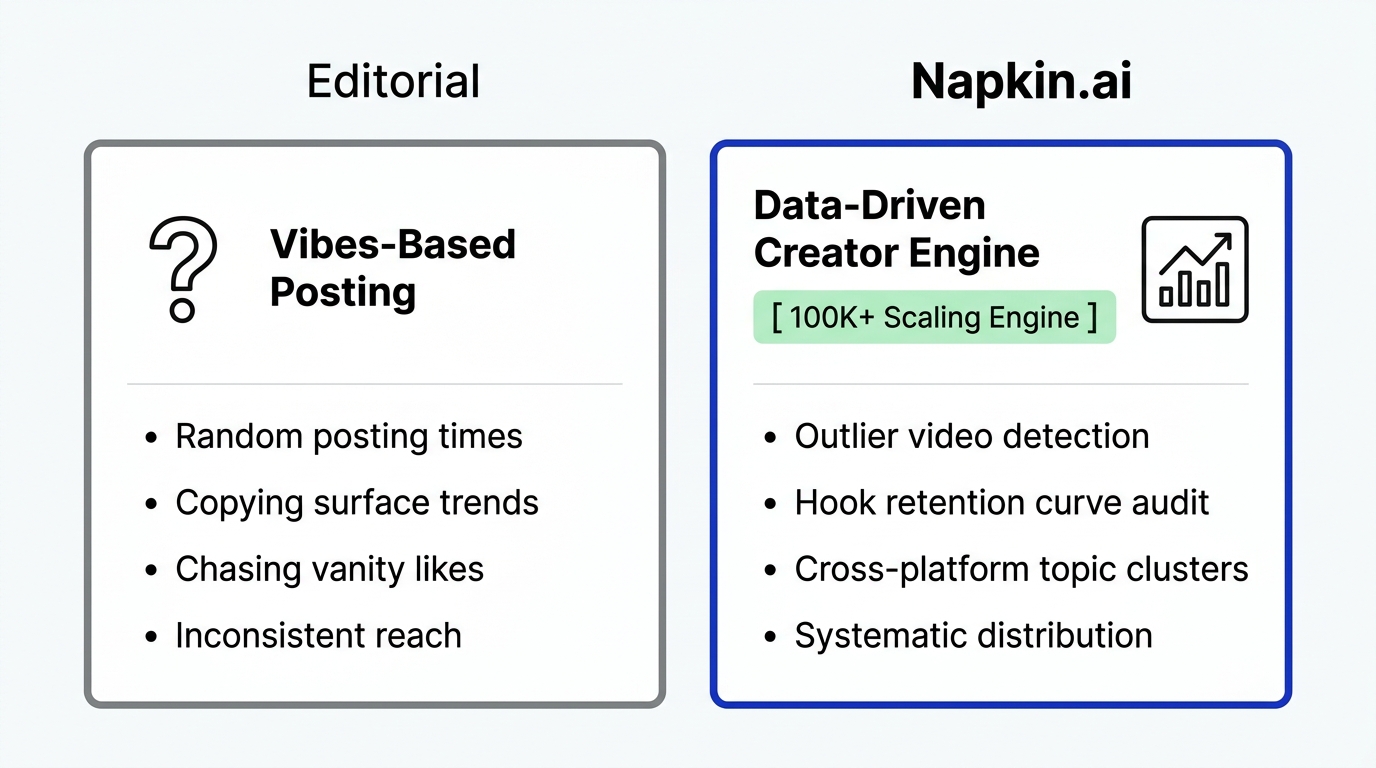
- Distribute everywhere: Don't pick favorites. Post to all 14+ platforms to protect yourself from algorithm shifts.
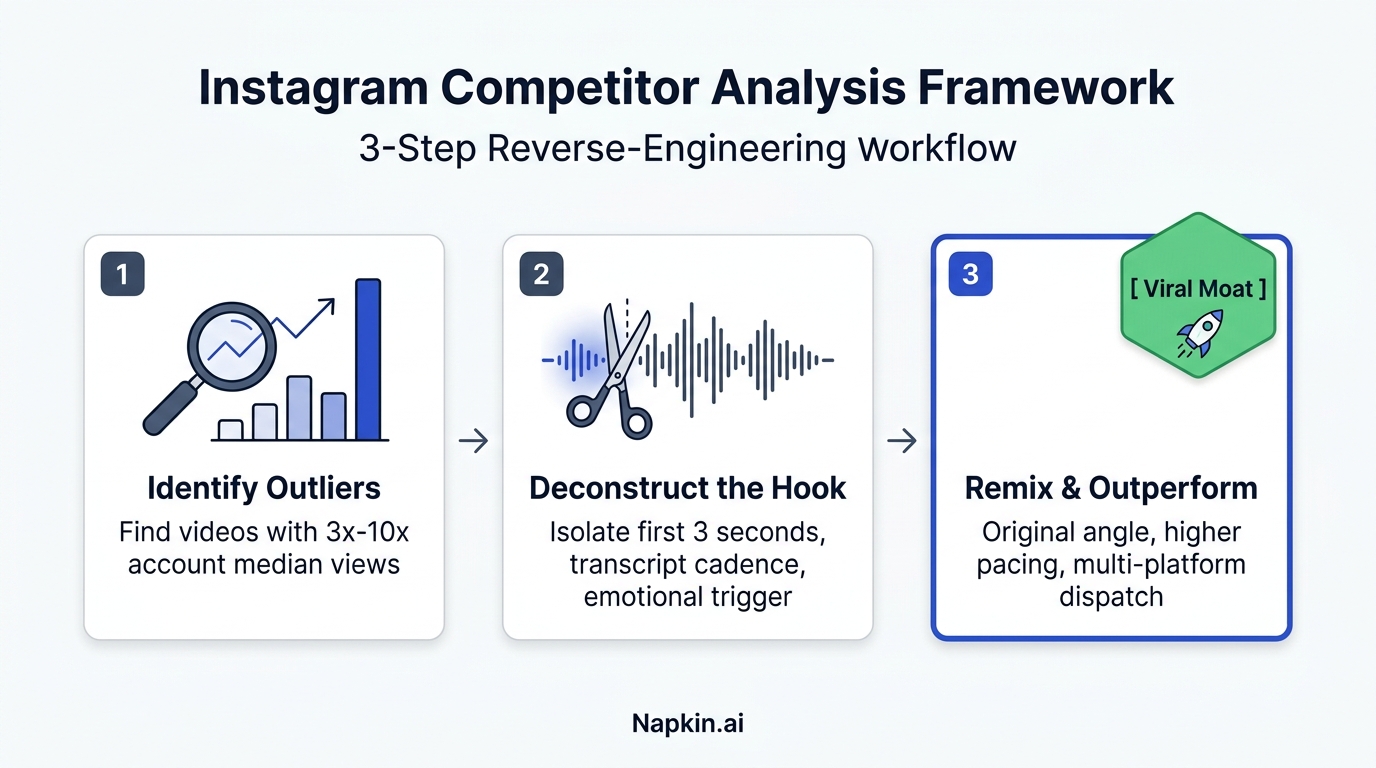
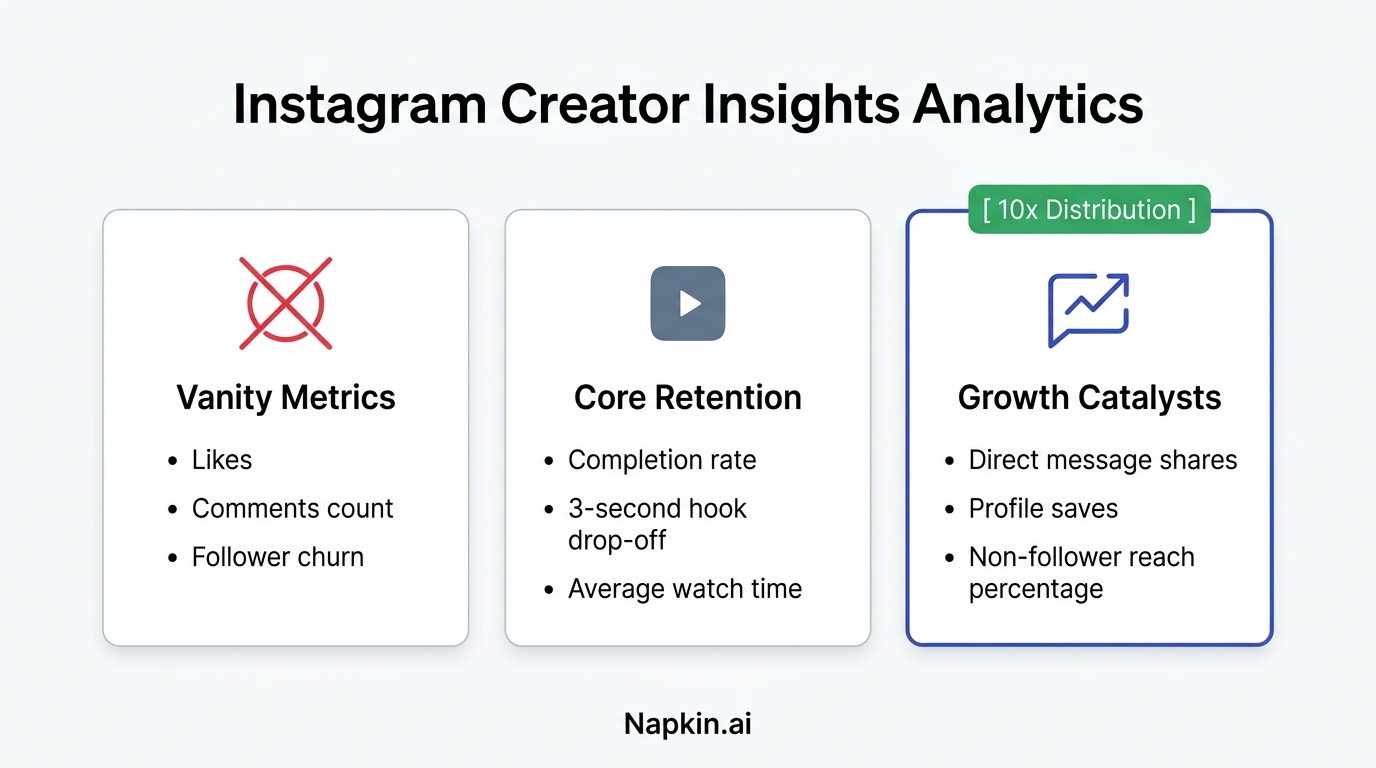
- Monitor the outliers: Use competitor tracking to see which of your posts are performing 3x-10x better than average, then double down on those topics.
Ready to Stop Losing Views?
You are likely leaving 90% of your potential reach on the table because you don't have the time to post everywhere. Every platform you aren't on is a room full of people who have never heard of you.
Stop doing the manual labor. Let the machines handle the aspect ratios, the tone shifts, and the 14 separate logins. Use the time you save to find your next big idea or just to take a well-deserved break.
Start your free trial of Creator Insights today and see how much faster you can grow when you aren't stuck in "tab fever."