Most creators are playing a losing game. They spend hours filming, editing, and color-grading, only to watch their video die at 200 views.
The reason? They didn't stop the scroll.
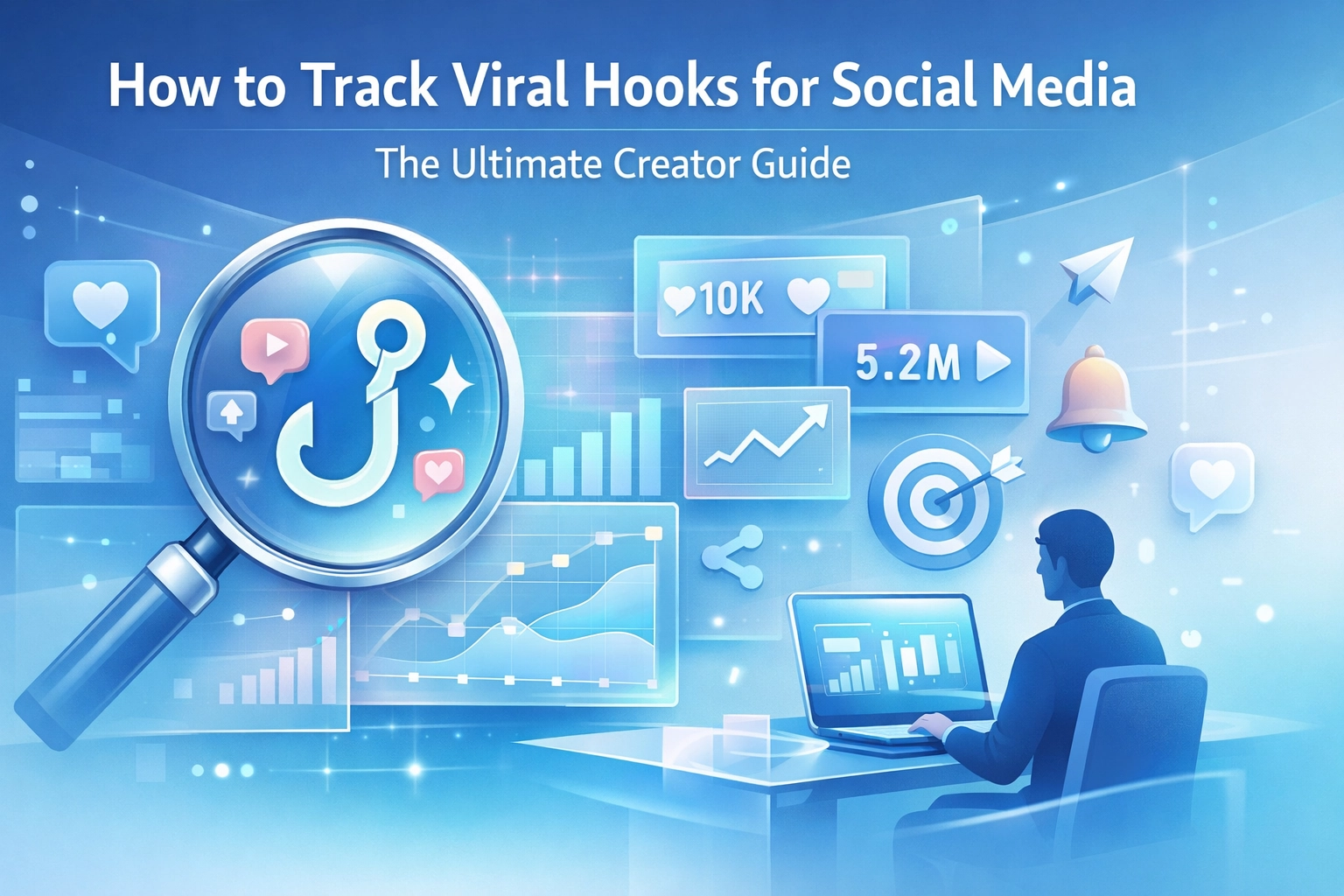
If your hook is weak, the rest of your video doesn't exist. Period. But "guessing" what a good hook looks like is a recipe for burnout. You need a system to track viral hooks for social media that works while you sleep.
Let's stop throwing spaghetti at the wall. Here is how you build a visual laboratory of viral patterns that actually convert.
The Brutal Truth About "Trending" Content
Most "trending" lists are garbage. By the time a "top 10 hooks" list reaches your inbox, the trend is already over-saturated. Everyone and their mom is using the same line, and the algorithm is already bored of it.
Real growth happens when you catch a pattern before it peaks. You don't need a list of hooks; you need a way to deconstruct why a specific hook worked in the first place. Was it the text overlay? The visual jump cut? The specific negative constraint in the first sentence?
Tracking isn't just about saving a video. It’s about building a database of psychological triggers.
 *Napkin Visual: A drawing of a literal hook pulling a stick figure out of a river of endless scrolling phone screens.*
Why Manual Bookmarking is Where Ideas Go to Die
We’ve all done it. You’re scrolling Instagram at 11 PM, you see a banger, and you hit "Save."
Two weeks later, you’re ready to script your own video. You open your "Saved" folder and... it’s a graveyard. You have 400 unsorted videos. You can't remember why you saved half of them. You spend forty minutes scrolling through your own saves instead of actually creating.
Manual saving is a trap. It lacks context.
To effectively track viral hooks for social media, you need a system that allows you to:
- Capture the hook instantly (without leaving the app).
- Categorize it by the type of trigger (Curiosity, Fear of Missing Out, Social Proof).
- Visualize the pattern alongside your own scripts.
The Anatomy of a High-Converting Hook
Before we get into the "how," let’s look at the "what." When you track viral hooks, you should be looking for three specific layers:
1. The Visual Hook
This is the movement. A sudden zoom, a hand gesture, or a text bubble appearing at the exact millisecond the video starts. If the screen is static for more than 0.5 seconds, you've already lost them.
2. The Textual Hook
This is the "headline" on the screen. It should either solve a problem or create a massive curiosity gap. Example: "How I did X" (Boring) vs. "Stop doing Y if you want X" (Aggressive/Effective).
3. The Audio Hook
The first three words spoken. They need to be punchy. No "Hey guys," no "Welcome back." Start in the middle of the action.
 *Napkin Visual: A three-layered cake labeled "Visual," "Text," and "Audio," with a giant arrow pointing to the top layer labeled "THE HOOK."*
How to do it with Creator Insights
This is where the game changes. Stop using the "Save" button on Instagram or TikTok as your primary research tool. It's too messy. Instead, we use a professional-grade workflow.
The Chrome Extension: Your Capture Device
The Creator Insights Chrome Extension is like a master key for content research. When you’re browsing TikTok, Reels, or YouTube Shorts on your desktop, you can instantly "clip" the hooks that stop you in your tracks.
Instead of just saving a link, you're capturing the metadata. You can see the engagement stats in real-time, helping you verify if a hook is actually viral or just an outlier.
The Canvas Board: Your Content War Room
Once you’ve captured your hooks, they shouldn't sit in a list. They belong on the Canvas Board.
Think of the Canvas Board as a digital mood board for your viral strategy. You can drag and drop your saved hooks into different columns.
- Column A: "Negative Constraint Hooks" (Stop doing this...)
- Column B: "Authority Hooks" (I've spent 10,000 hours doing...)
- Column C: "Visual Pattern Interrupts" (Green screen over news articles)
By seeing them side-by-side, you start to notice the content gaps. If everyone in your niche is using "Authority Hooks," maybe it's time for you to pivot to a "Vulnerable Hook" to stand out. You can't see these patterns in a standard list view.
 *Napkin Visual: A digital "Canvas" showing various video thumbnails being sorted into boxes like "Aggressive," "Educational," and "Funny."*
Deconstructing Patterns (The Scientist Method)
When you use Creator Insights, you aren't just copying. You're deconstructing. Here is the workflow we recommend for every serious creator:
- The Discovery Phase: Use the Discovery tool to find the top-performing posts in your niche over the last 24 hours. Don't look at "all-time" highs; look at what's working right now.
- The Extraction Phase: Use the extension to save the top 5 videos to your Canvas.
- The Scripting Phase: Open the Script Generator. Use the patterns you just found to feed the AI. Tell it: "I want a hook that uses a curiosity gap similar to [Saved Video A], but for my niche in underwater basket weaving."
- The Audit Phase: Once your video is live, use the Audit tool to see if your new hook actually improved your retention rate compared to your old videos.
Why Speed Matters in 2026
The half-life of a viral hook is getting shorter. In 2024, a trend might last a month. By now, in 2026, you have about 72 hours before a specific hook style becomes "cringe."
If you're waiting for a weekly newsletter to tell you what's trending, you're already too late. You need real-time data. By using a tool that lets you track viral hooks for social media as you consume content, you're shortening the feedback loop. You see it at 10 AM, you script it at 11 AM, and you post it by 2 PM.
That is how you win the attention economy.
 *Napkin Visual: A race car labeled "Creator Insights" zooming past a snail labeled "Manual Research."*
Stop Guessing, Start Tracking
The difference between a "lucky" creator and a "successful" creator is a system. Lucky creators have one video go viral and then spend six months trying to figure out why. Successful creators know exactly why their video hit because they engineered the hook based on proven data.
You don't need more "creativity." You need better research.
Stop losing your best ideas to the void of the "Saved" folder. Start building your visual library today. Use the Chrome Extension to grab what works, move it to your Canvas Board to see the patterns, and use the Script Generator to make it your own.
Ready to take your content seriously?
Build your viral hook library with Creator Insights now.